The Ultimate Guide To IPTV Apps With Parental Control Features
Why Parental Controls Matter in IPTV Streaming
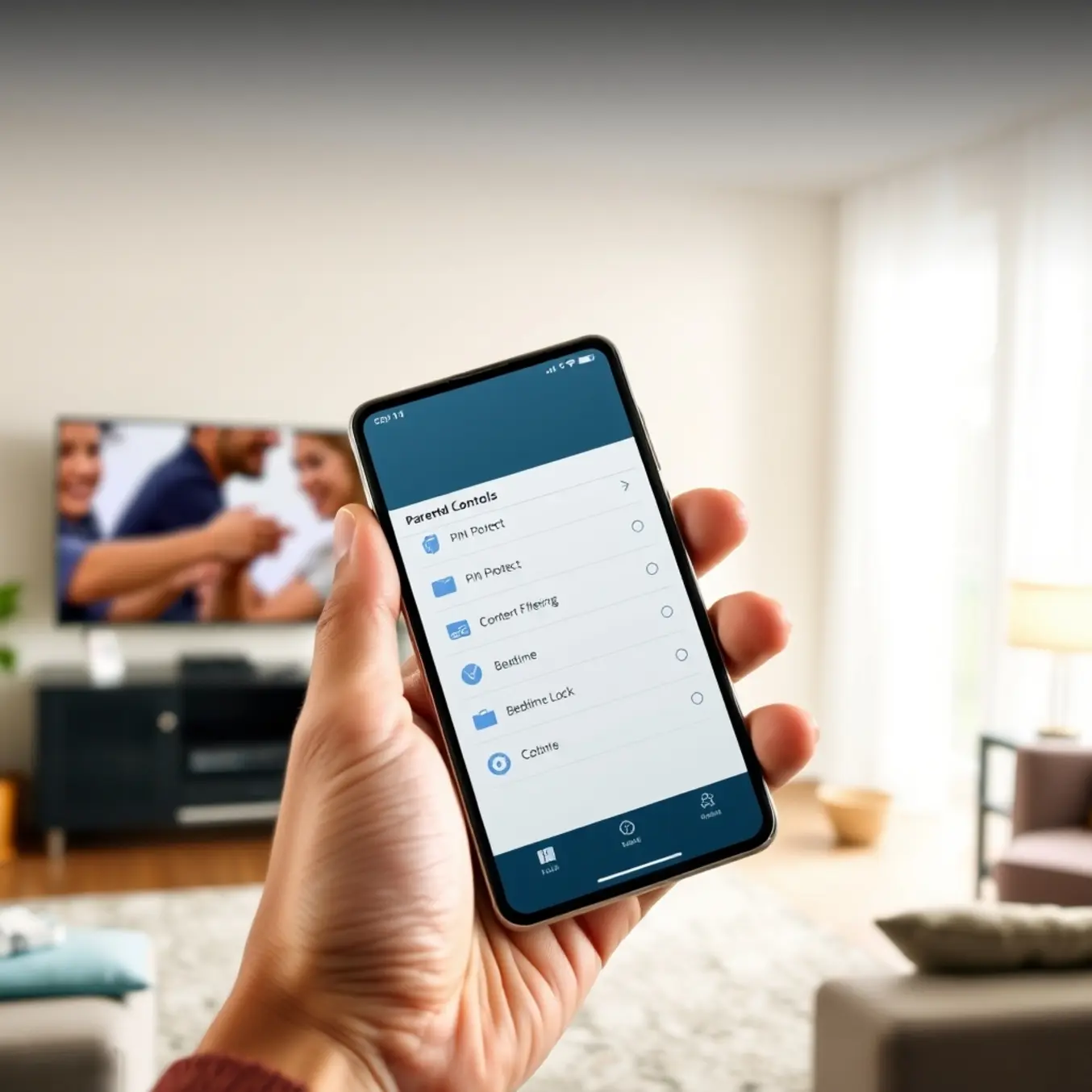
Modern IPTV services offer unprecedented access to global entertainment, but this vast content library presents unique challenges for families. With thousands of channels available at the click of a button, children can accidentally encounter age-inappropriate material ranging from violent content to explicit programming. Parental controls serve as the first line of defense in creating a safe viewing environment where children can explore content without exposure to harmful material.
Research from the American Academy of Pediatrics indicates that consistent media monitoring significantly reduces children’s exposure to inappropriate content and supports healthier development. Meanwhile, a Pew Research Center study found that 71% of parents are concerned about their children encountering inappropriate content online, highlighting the critical need for effective filtering tools.
Building Family-Friendly Viewing Habits
Parental controls extend beyond simple content blocking to actively shape positive media consumption patterns. By establishing viewing boundaries, parents can ensure their children access educational and age-appropriate programming that supports learning and development. Many IPTV services, including those detailed in our IPTV subscription plans guide, offer comprehensive parental control features that allow for customized viewing experiences.
These tools typically include:
- Content rating restrictions based on international standards
- Channel-specific blocking for adult-oriented programming
- Time-based viewing limits to prevent excessive screen time
- Password-protected settings to prevent children from bypassing restrictions
Protecting Against Unintended Exposure
The random nature of channel surfing and program recommendations makes accidental exposure to inappropriate content a genuine concern. Parental controls eliminate this risk by creating a curated viewing environment where children can safely explore available programming. Services like those featured in our best IPTV services for Firestick guide often include advanced filtering options that automatically block content based on predefined criteria.
According to Common Sense Media research, children aged 8-12 spend an average of 5.5 hours with screen media daily, while teenagers average 8.5 hours. These substantial exposure windows underscore the importance of implementing robust content filtering systems throughout their viewing experiences.
Customized Protection Across Devices
Modern IPTV consumption extends beyond traditional television sets to smartphones, tablets, and various streaming devices. Comprehensive parental control systems provide consistent protection across all platforms, ensuring children receive the same level of content filtering whether they’re watching on a family television or personal device. Our guide to IPTV streaming apps highlights how many applications include built-in parental control features that sync across multiple devices.
This cross-platform protection is particularly important given that research in the Journal of Adolescent Health indicates that mobile device usage among children has increased dramatically, with many accessing streaming content independently. Effective parental controls adapt to these changing viewing habits while maintaining consistent protection standards.
Educational Benefits of Controlled Viewing
When properly implemented, parental controls transform IPTV from a potential risk into an educational asset. By filtering out inappropriate content and highlighting educational programming, parents can leverage streaming services as learning tools. Many IPTV providers offer specialized children’s sections featuring age-appropriate educational content, language learning channels, and cultural programming that expands children’s horizons without exposure to harmful material.
The American Psychological Association emphasizes that guided media consumption can have positive developmental outcomes when combined with appropriate boundaries and parental involvement. Implementing robust parental controls represents a crucial step toward achieving this balanced approach to children’s media consumption.
Top IPTV Apps with Built-in Parental Controls
IPTV Smarters Pro: Comprehensive Family Controls
IPTV Smarters Pro stands out as one of the most popular IPTV applications with extensive parental control features. This versatile app allows users to create multiple profiles with customized content restrictions, making it ideal for households with children. Parents can set PIN-protected access to specific channels, categories, or even individual programs, ensuring children only view age-appropriate content.
The application’s intuitive interface makes setting up parental controls straightforward. Users can restrict content by ratings, block entire channel categories, or create custom blacklists for complete control over viewing options. Additionally, IPTV Smarters Pro supports time-based restrictions, allowing parents to limit viewing hours for different family members. WHMCS Smarters documentation confirms these comprehensive family safety features.
TiviMate: Robust Parental Management System
TiviMate has gained significant popularity for its sophisticated parental control capabilities alongside its premium streaming experience. The application enables users to lock specific channels, categories, or even the entire application with a secure PIN code. This prevents unauthorized access to mature content while maintaining ease of use for approved viewers.
The parental control system in TiviMate allows for granular content management. Users can hide entire channel groups, restrict access based on content ratings, or create custom viewing profiles for different family members. The settings sync across devices when using TiviMate Companion, ensuring consistent protection regardless of which device family members use. Our detailed TiviMate setup guide provides step-by-step instructions for implementing these features.
Perfect Player: Straightforward Content Filtering
Perfect Player offers reliable parental controls through its straightforward content filtering system. While less feature-rich than some competitors, it provides essential protection through channel locking and category restrictions. The application allows users to set a master PIN that controls access to both settings and restricted content.
The parental control implementation in Perfect Player focuses on simplicity and effectiveness. Users can quickly hide channels or entire groups they don’t want children to access, and the locked content remains completely invisible during normal browsing. This approach eliminates temptation while maintaining a clean interface for authorized viewers. Our Perfect Player setup guide demonstrates how to configure these essential safety features.
OTT Navigator: Multi-Layered Protection
OTT Navigator provides comprehensive parental controls through its multi-layered protection system. The application supports content restrictions at various levels, including individual channels, program categories, and specific content ratings. Its advanced filtering capabilities make it suitable for families seeking detailed control over viewing options.
One standout feature of OTT Navigator is its ability to create multiple user profiles with different restriction levels. This allows parents to establish appropriate viewing parameters for each family member without compromising the experience for adult users. The application also supports time-based restrictions, enabling parents to set viewing curfews for children. OTT Navigator’s official documentation outlines these sophisticated family safety options.
IMPlayer: Advanced Restriction Capabilities
IMPlayer offers some of the most advanced parental control features available in IPTV applications. Beyond standard channel and category blocking, it includes content rating filters, time restrictions, and even location-based controls. The application’s comprehensive approach to family safety makes it a top choice for concerned parents.
The parental control system in IMPlayer includes sophisticated features like content expiration dates and viewing time limits. Parents can set maximum daily viewing hours, restrict access during certain times (like homework hours), and even geo-fence content availability based on the device’s location. IMPlayer’s official website details these advanced restriction capabilities.
Setting Up Parental Controls: Step-by-Step Guide
Accessing Parental Control Settings
Most IPTV apps feature parental controls within their settings menu, typically under sections labeled “Parental Controls,” “Security,” or “Restrictions.” In popular apps like IPTV Smarters Pro, you’ll find these options in the main settings panel. Similarly, TiviMate places parental controls in its security settings section.
Before making any changes, many applications require you to set up a PIN code. This four to six-digit number prevents children from altering your restrictions. Choose a memorable code that others cannot easily guess, and avoid obvious combinations like “1234” or birth dates.
Setting Age Restrictions and Content Filters
Age restrictions form the foundation of IPTV parental controls. These filters automatically block content above specified maturity levels. Most systems use standard ratings like G, PG, PG-13, R, and NC-17, or age-based categories such as 7+, 13+, 16+, and 18+.
To activate these filters, navigate to the age restriction settings and select the maximum rating appropriate for your household. For example, choosing “PG-13” will block all R-rated and NC-17 content while allowing milder programming.
Additionally, many IPTV services offer category-based filtering. You can block entire genres like adult content, violent programming, or specific channel categories. This approach provides granular control beyond simple age ratings.
Channel-Specific Blocking and Time Limits
For precise control, most parental control systems allow channel-specific blocking. This feature lets you blacklist individual channels regardless of their content rating. Simply navigate to your channel list, select the problematic channels, and choose “Block” or “Add to restricted list.”
Time-based restrictions represent another powerful tool. These settings limit viewing during specified hours, such as bedtime or homework periods. You can typically set different schedules for weekdays versus weekends, ensuring flexibility while maintaining boundaries.
Some advanced systems even offer device-specific controls, allowing different restrictions on various devices throughout your home. This means you can apply stricter limits to a child’s bedroom television while maintaining full access on the living room screen.
Testing and Maintaining Your Settings
After configuring your parental controls, thoroughly test them by attempting to access blocked content. Verify that restricted channels display error messages rather than playing, and confirm that age-inappropriate content remains inaccessible.
Remember to periodically review and update your settings as your children grow older or your household needs change. Many parents find it helpful to reassess restrictions every six months. Additionally, keep your PIN confidential and consider changing it periodically for enhanced security.
For comprehensive device-specific guidance, consult our detailed tutorials on Firestick setup and Samsung Smart TV installation. These resources provide platform-specific instructions for implementing the parental controls discussed here.
Advanced Features for Family Safety
PIN Protection: Your First Line of Defense
Modern IPTV parental control apps offer robust PIN protection as the cornerstone of family safety. This feature prevents unauthorized access to restricted content and settings modifications. When enabled, parents can set unique PIN codes that must be entered before accessing mature content or making changes to parental controls. According to research from Common Sense Media, PIN protection remains one of the most effective ways to prevent children from bypassing content restrictions.
Leading IPTV services implement multi-layered PIN security, allowing different codes for various access levels. For instance, you might set one PIN for general app access and another for premium channel viewing. This granular control ensures that children cannot accidentally or intentionally access inappropriate content. Meanwhile, services like All In One TV integrate PIN protection directly into their subscription management, creating a seamless safety ecosystem.
Time Limits: Balancing Screen Time and Entertainment
Time management features represent another crucial aspect of modern IPTV parental controls. These tools allow parents to set daily or weekly viewing limits, ensuring children maintain a healthy balance between screen time and other activities. Research from the American Academy of Pediatrics emphasizes the importance of consistent media limits for children’s development.
Contemporary IPTV apps provide flexible scheduling options, including:
- Daily time allowances with automatic shutdown
- Bedtime restrictions that block access during specified hours
- Weekend versus weekday differential limits
- Per-device time tracking across multiple screens
Channel Blocking: Curating Age-Appropriate Content
Channel blocking capabilities enable parents to create customized viewing experiences tailored to their family’s values and children’s ages. This feature goes beyond simple content ratings, allowing granular control over specific channels, categories, or even individual programs. According to FCC guidelines, effective channel blocking is essential for modern television services.
Modern IPTV parental controls offer several blocking methodologies:
- Category-based blocking (sports, news, movies)
- Rating-based restrictions (PG, PG-13, R)
- Specific channel blacklisting
- Keyword-based program blocking
Integration and Remote Management
The most effective parental control systems integrate seamlessly across devices and platforms. Many premium IPTV services offer companion mobile apps that allow parents to adjust settings remotely, receive activity reports, and modify restrictions in real-time. This remote management capability ensures that parental controls remain effective even when parents are away from home.
Furthermore, these systems typically support multiple user profiles with individualized settings for each family member. This personalized approach acknowledges that appropriate content varies by age and maturity level, providing tailored protection for each child while maintaining simplicity for parents.
Platform-Specific Parental Control Options
Android TV Parental Controls
Android TV offers robust parental control features through its Google Play Store ecosystem. The platform allows you to set up restricted profiles specifically for children, limiting access to certain apps and content. You can enable content restrictions based on maturity ratings for movies, TV shows, and apps from the Google Play Store.
Additionally, Android TV supports PIN protection for purchases and specific content. This prevents unauthorized access to mature content or accidental purchases. For IPTV apps specifically, many popular players like TiviMate include their own parental control features that work alongside the system-level restrictions.
Fire TV Parental Control Options
Amazon’s Fire TV devices provide comprehensive parental controls through their FreeTime feature (now called Amazon Kids). This dedicated interface allows parents to set time limits, educational goals, and age-appropriate content filters. You can create individual profiles for children with customized restrictions.
Fire TV also offers PIN protection for purchases and specific content categories. The platform’s universal search feature respects these parental controls, ensuring children cannot access restricted content through voice commands or search. For Firestick IPTV setup, these controls extend to third-party apps when properly configured through the device settings.
Apple TV Parental Features
Apple TV provides sophisticated parental controls through its Screen Time feature and content restrictions. You can set content ratings for movies, TV shows, apps, and music, blocking content that exceeds your chosen ratings. The platform also allows restrictions on explicit content, purchases, and specific features.
Screen Time on Apple TV enables you to set time limits for app usage and schedule downtime when the device cannot be used. These restrictions sync across Apple devices when using the same Apple ID, providing consistent parental control across your household’s Apple ecosystem.
Roku Parental Control System
Roku devices offer straightforward parental controls focused primarily on content rating restrictions. You can set PIN-protected restrictions for movie and TV show ratings, preventing access to content above your specified maturity level. The platform also allows you to require a PIN for purchases and channel additions.
While Roku’s parental controls are less comprehensive than some competitors, they effectively block inappropriate content through the Roku Channel and other streaming services. However, third-party channels may not always respect these system-level restrictions, requiring additional vigilance when using IPTV services.
Comparing Platform Strengths
Each platform excels in different aspects of parental control. Android TV and Fire TV offer the most granular app-level controls, while Apple TV provides the most comprehensive cross-device management. Roku focuses on simplicity with effective content rating restrictions.
For families with multiple devices, Apple’s ecosystem provides the most seamless experience. Meanwhile, Amazon’s FreeTime/Amazon Kids offers the most child-friendly interface with educational features. Android TV strikes a balance with flexible profile management that works well with various