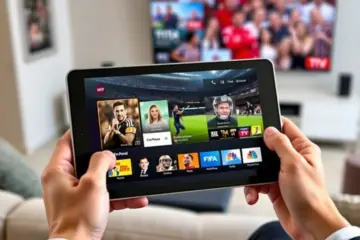
Mastering Massive IPTV Channel Lists With The Best Apps
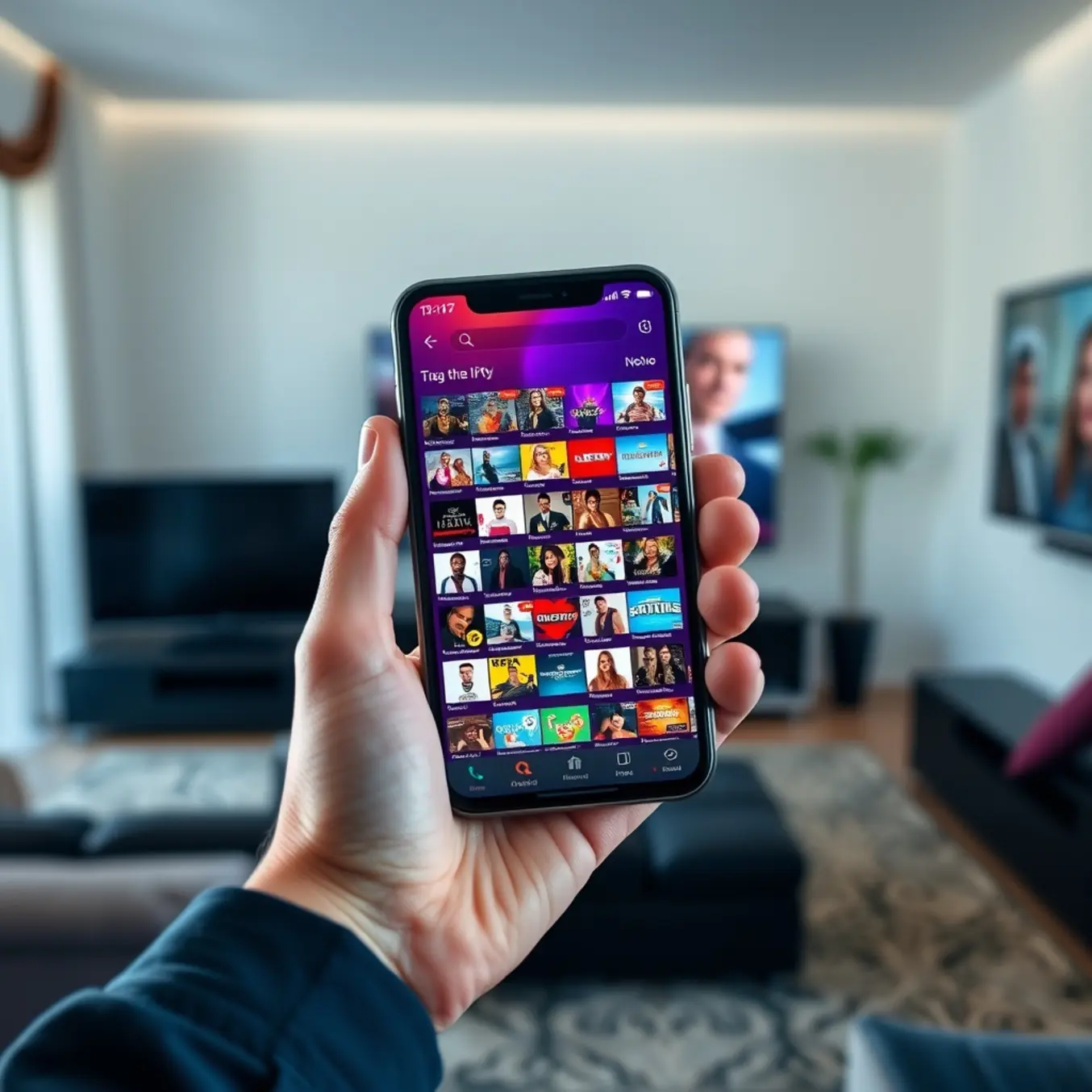
The Overwhelming Challenge of Massive IPTV Channel Collections
Modern IPTV services often provide access to thousands of channels spanning multiple countries and genres. While this abundance offers incredible choice, it creates significant navigation challenges for users. Finding specific content within massive channel lists can become frustratingly time-consuming, especially when dealing with poorly organized interfaces or limited search capabilities.
Many standard IPTV applications struggle with performance issues when loading extensive channel lists, resulting in slow loading times and frequent buffering. Additionally, without proper organization tools, users often find themselves scrolling endlessly through channels rather than enjoying their preferred content. This inefficiency undermines the core benefit of IPTV – instant access to personalized entertainment.
How Specialized Apps Transform the Viewing Experience
Advanced IPTV players like TiviMate and IPTV Smarters Pro specifically address these challenges through sophisticated organizational features. These applications enable users to create custom channel groups, apply comprehensive filtering options, and implement advanced search functionality that makes navigating even the largest collections intuitive and efficient.
Moreover, specialized apps typically offer superior performance optimization for handling extensive channel lists. They utilize intelligent caching mechanisms and background loading to ensure smooth navigation regardless of playlist size. Many also provide enhanced electronic program guide (EPG) integration, allowing users to browse schedules across hundreds of channels without performance degradation.
Essential Features for Managing Large IPTV Collections
When selecting an IPTV application for substantial channel collections, several key features dramatically improve the user experience. First, robust categorization systems allow grouping channels by language, genre, or country, transforming chaotic lists into organized libraries. Second, comprehensive search functionality with filters for channel names, categories, and even program titles enables precise content discovery.
Additionally, favorite management systems with quick access shortcuts ensure your most-watched channels remain readily available. Advanced applications also offer multiple viewing options like multi-screen support and picture-in-picture mode, particularly valuable when monitoring several channels simultaneously. According to streaming technology analysis, specialized IPTV players can reduce channel navigation time by up to 70% compared to basic applications [Source: Streaming Media Blog].
Optimizing Performance with Large Playlists
Performance considerations become critical when managing extensive IPTV collections. Specialized applications implement several techniques to maintain responsiveness. They typically use incremental loading, where channel information loads progressively rather than all at once. Many also employ intelligent memory management to keep frequently accessed channels readily available while conserving system resources.
For users with particularly large collections, applications like Perfect Player and other premium IPTV players offer advanced customization options for performance tuning. These include adjustable buffer sizes, connection timeout settings, and parallel stream processing capabilities that ensure smooth playback even with playlists containing thousands of channels.
The Future of IPTV Navigation and Management
Emerging technologies are further enhancing how users interact with large IPTV collections. Voice-controlled navigation, artificial intelligence-powered recommendations, and predictive content sorting represent the next evolution in IPTV management. These innovations learn from viewing habits to surface relevant content automatically, reducing the need for manual searching through extensive channel lists.
Research indicates that AI-enhanced IPTV interfaces can improve content discovery by analyzing viewing patterns and suggesting channels based on time of day, day of week, and historical preferences [Source: Digital TV Europe]. Meanwhile, cloud-based profile synchronization ensures that your carefully organized channel structure remains consistent across all devices, from Firestick to smart TVs and mobile platforms.
As IPTV services continue expanding their channel offerings, the importance of specialized management applications cannot be overstated. These tools transform overwhelming content libraries into curated entertainment experiences, ensuring that the wealth of available programming enhances rather than complicates the viewing journey.
Mastering Large Channel Collections with TiviMate
TiviMate stands out as the premier IPTV player for managing extensive channel collections, offering sophisticated playlist management that transforms how users interact with thousands of channels. Unlike basic players that struggle with large playlists, TiviMate enables seamless organization through customizable groups, favorites management, and intuitive sorting options. This powerful approach ensures you can quickly access your preferred content without scrolling through endless channels.
For users with massive channel libraries, TiviMate’s advanced filtering and search capabilities make navigation effortless. You can create custom groups based on genre, language, or personal preference, then hide unwanted channels to declutter your interface. This level of control is particularly valuable for international viewers who maintain multiple regional playlists or sports enthusiasts tracking numerous league channels.
Advanced EPG Handling for Comprehensive Viewing
TiviMate’s Electronic Program Guide (EPG) implementation represents a significant advancement over standard IPTV players. The application supports multiple EPG sources simultaneously, automatically matching program data to your channels with impressive accuracy. This multi-source capability ensures comprehensive coverage even for niche or regional channels that often lack EPG data in basic players.
The EPG customization options are equally impressive. Users can adjust the timeline display, customize information layouts, and set reminder alerts for upcoming programs. For large channel collections, the ability to quickly scan programming across hundreds of channels through a visually optimized interface dramatically improves the viewing experience. Additionally, TiviMate’s EPG caching ensures smooth performance even when handling extensive program data.
Unmatched Customization for Personalized Streaming
TiviMate’s customization features set it apart from competitors, offering granular control over virtually every aspect of the viewing experience. The interface can be tailored to match your preferences, with adjustable themes, color schemes, and layout options. More importantly, the player supports extensive playback customization, including buffer size adjustments, audio track selection, and subtitle management.
For power users managing large channel collections, features like custom channel numbering and multiple profile support prove invaluable. You can organize channels in any sequence, create separate viewing profiles for different family members, and set parental controls for specific content. The application also supports external player integration, allowing you to use preferred media players for certain content types while maintaining TiviMate’s superior organization for your main library.
Optimized Performance for Extensive Libraries
Where TiviMate truly excels is in its performance optimization for massive channel collections. The application handles thousands of channels without performance degradation, maintaining smooth navigation and rapid channel switching. This reliability stems from efficient memory management and optimized data handling that prevents the lag common in other players when dealing with extensive playlists.
The background updating feature ensures your playlists and EPG data remain current without manual intervention. Combined with reliable recording functionality and timeshifting capabilities, TiviMate delivers a comprehensive feature set that meets the demands of serious IPTV users. Whether you’re managing a personal collection of thousands of channels or utilizing premium services like recommended IPTV subscriptions, TiviMate’s robust architecture ensures consistent performance.
For users seeking to maximize their IPTV experience, pairing TiviMate with quality service providers creates an unbeatable combination. The player’s compatibility with various M3U playlist formats and Xtream Codes API connections ensures broad service support. When configured with optimal settings as outlined in our TiviMate setup guide, this powerful player transforms even the most extensive channel collections into a streamlined, enjoyable viewing experience.
IPTV Smarters Pro: Intuitive Interface and Multi-Screen Excellence
IPTV Smarters Pro revolutionizes channel navigation with its clean, user-friendly interface that makes browsing extensive content libraries effortless. The app organizes thousands of channels into logical categories like sports, movies, news, and entertainment, allowing users to quickly find their preferred content without overwhelming menus. Its intuitive layout features a left-hand navigation panel that provides instant access to live TV, VOD content, series, and catch-up TV with just a single tap.
The search functionality stands out as particularly powerful, enabling users to locate specific channels, movies, or shows across massive content libraries in seconds. Additionally, the customizable favorites system lets users create personalized channel lists for quick access to their most-watched content. According to WHMCS Smarters, the app’s design prioritizes simplicity while maintaining advanced functionality, making it accessible for both beginners and experienced IPTV users.
Smart Organization Features
Beyond basic categorization, IPTV Smarters Pro includes sophisticated filtering options that let users sort channels by language, country, or genre. The electronic program guide (EPG) provides a comprehensive TV schedule that’s easily navigable, showing program information for the next several days. Users can set reminders for upcoming shows and quickly jump between time slots, transforming how they interact with live television schedules.
Multi-Screen Support Capabilities
One of IPTV Smarters Pro’s most impressive features is its robust multi-screen functionality, allowing simultaneous streaming across multiple devices under a single subscription. The app supports connecting up to four devices concurrently, meaning family members can watch different content on smartphones, tablets, smart TVs, and streaming boxes simultaneously without conflicts. This eliminates the traditional limitation of single-device streaming that plagues many entertainment platforms.
The multi-screen experience extends beyond simple parallel streaming. Users can start watching a program on one device and seamlessly continue from the same point on another device, maintaining their viewing progress across platforms. As noted in our IPTV Smarters Pro for Four Devices guide, this feature is particularly valuable for households with diverse viewing preferences, as it prevents the common frustration of competing for the television.
Parental Control Integration
Complementing the multi-screen support, IPTV Smarters Pro includes comprehensive parental controls that let users restrict content based on ratings or specific channels. This ensures children can safely use secondary devices without accessing inappropriate content, while adults maintain full access on their primary viewing devices. The parental control settings sync across all connected devices, providing consistent protection throughout the household ecosystem.
Cross-Platform Compatibility
IPTV Smarters Pro delivers exceptional cross-platform performance, operating seamlessly across Android, iOS, Windows, macOS, and most smart TV platforms including Samsung, LG, and Android TV. This universal compatibility means users can maintain the same interface, settings, and viewing experience regardless of which device they’re using. The app automatically adapts its layout to suit different screen sizes and input methods, from touchscreen smartphones to remote-controlled smart TVs.
The synchronization capabilities ensure that user preferences, favorite channels, and viewing history remain consistent across all platforms. Whether switching from a morning news session on a smartphone to evening movie watching on a smart TV, the transition is completely seamless. Our Best IPTV Services for Firestick, Android and Smart TV article highlights how this cross-platform consistency sets IPTV Smarters Pro apart from more limited applications.
Setup Simplicity Across Devices
Despite its advanced features, IPTV Smarters Pro maintains straightforward setup processes across all platforms. The app supports multiple connection methods including Xtream Codes API, M3U playlists, and portal-based authentication, accommodating various IPTV service configurations. For detailed installation guidance, our IPTV Smarters Pro Setup Guide provides step-by-step instructions for all major platforms, ensuring users can quickly begin streaming regardless of their technical expertise.
This cross-platform accessibility extends to updates and new features, with the development team ensuring simultaneous rollout across all supported operating systems. According to IPTV Smarters Official Documentation, the consistent update schedule guarantees that all users benefit from performance improvements and new functionality at the same time, maintaining feature parity across the entire user base.
OTT Navigator: Advanced Filtering and Multi-Device Management
OTT Navigator’s sophisticated filtering system transforms how users manage extensive IPTV channel collections. The application enables multi-criteria filtering that goes beyond basic category searches, allowing users to combine filters for language, genre, quality, and content type simultaneously. This granular approach is particularly valuable for households with diverse viewing preferences or businesses managing multiple IPTV subscriptions.
Additionally, the platform supports custom filter creation, enabling users to save frequently used filter combinations for instant access. For instance, you can create a filter specifically for 4K sports channels or international news broadcasts. The search functionality extends to EPG data, allowing users to find specific programs across all channels. This comprehensive filtering system significantly reduces the time spent navigating through thousands of channels, making it ideal for users with comprehensive IPTV subscription plans that include extensive channel lineups.
Robust Electronic Program Guide (EPG) Integration
The EPG support in OTT Navigator stands out for its depth and customization options. Unlike basic IPTV players that offer limited program information, OTT Navigator provides detailed EPG data including program descriptions, cast information, duration, and series information. The application supports multiple EPG sources simultaneously, allowing users to combine data from different providers for maximum coverage and accuracy.
Moreover, the EPG interface is highly customizable, with options to adjust time formats, date displays, and information density. Users can set reminders for upcoming programs and automatically record content directly through the EPG interface. The system also supports extended EPG data, providing up to two weeks of programming information for forward planning. This robust EPG functionality ensures users never miss their favorite shows and can efficiently plan their viewing schedule across international channels and local broadcasts.
Performance Optimization for Seamless Streaming
OTT Navigator incorporates advanced performance optimization techniques specifically designed for handling large-scale IPTV operations. The application features intelligent caching mechanisms that store frequently accessed channel data and EPG information, reducing loading times and bandwidth consumption. This is particularly beneficial for users with multiple devices or those accessing IPTV services in bandwidth-constrained environments.
The player engine includes adaptive bitrate streaming capabilities, automatically adjusting video quality based on available network conditions. This ensures smooth playback even during network congestion. Furthermore, OTT Navigator optimizes memory usage through efficient resource management, preventing the application from slowing down when managing extensive channel lists or prolonged viewing sessions. These optimization features work seamlessly with various internet speed requirements for IPTV streaming, ensuring consistent performance across different network conditions.
Multi-Device Synchronization and Management
For users operating multiple devices, OTT Navigator offers sophisticated synchronization features that maintain consistency across platforms. The application supports cloud-based profile synchronization, ensuring that favorites, watch history, and custom settings are preserved across all devices. This feature is invaluable for households with multiple viewers or businesses managing IPTV services across different locations.
The synchronization extends to parental controls and viewing restrictions, allowing administrators to maintain consistent content policies across all connected devices. Additionally, OTT Navigator provides detailed usage statistics and viewing analytics, helping users understand their viewing patterns and optimize their IPTV subscription plans accordingly. This comprehensive device management capability makes OTT Navigator particularly suitable for resellers and multi-user environments.
Advanced Playback and Recording Features
OTT Navigator’s playback capabilities extend beyond basic streaming with advanced features that enhance the viewing experience. The application supports timeshift functionality, allowing users to pause, rewind, and fast-forward live TV. This feature is complemented by automatic recording options that can be scheduled through the EPG or set to record specific programs series.
The recording system includes smart storage management, with options to automatically delete older recordings when storage space is limited. Users can also configure recording quality and format preferences to balance storage requirements with video quality. These recording features integrate seamlessly with external storage devices and network-attached storage systems, providing flexibility for users with extensive recording needs. This comprehensive approach to playback and recording makes OTT Navigator an excellent choice for users who want to maximize their IPTV lifetime plan value through advanced viewing features.
Perfect Player: Resource Efficiency for Older Devices
Perfect Player stands out in the crowded IPTV player market by delivering exceptional performance on hardware that struggles with modern streaming applications. Its lightweight design requires minimal processing power and RAM, making it ideal for older Android TV boxes, first-generation Fire TV Sticks, and aging smart TVs. This efficiency translates directly into smoother channel switching and reduced buffering, even when handling extensive channel lists.
The application’s low resource footprint