The Ultimate IPTV Speed Test Guide Optimizing Your Streaming Experience
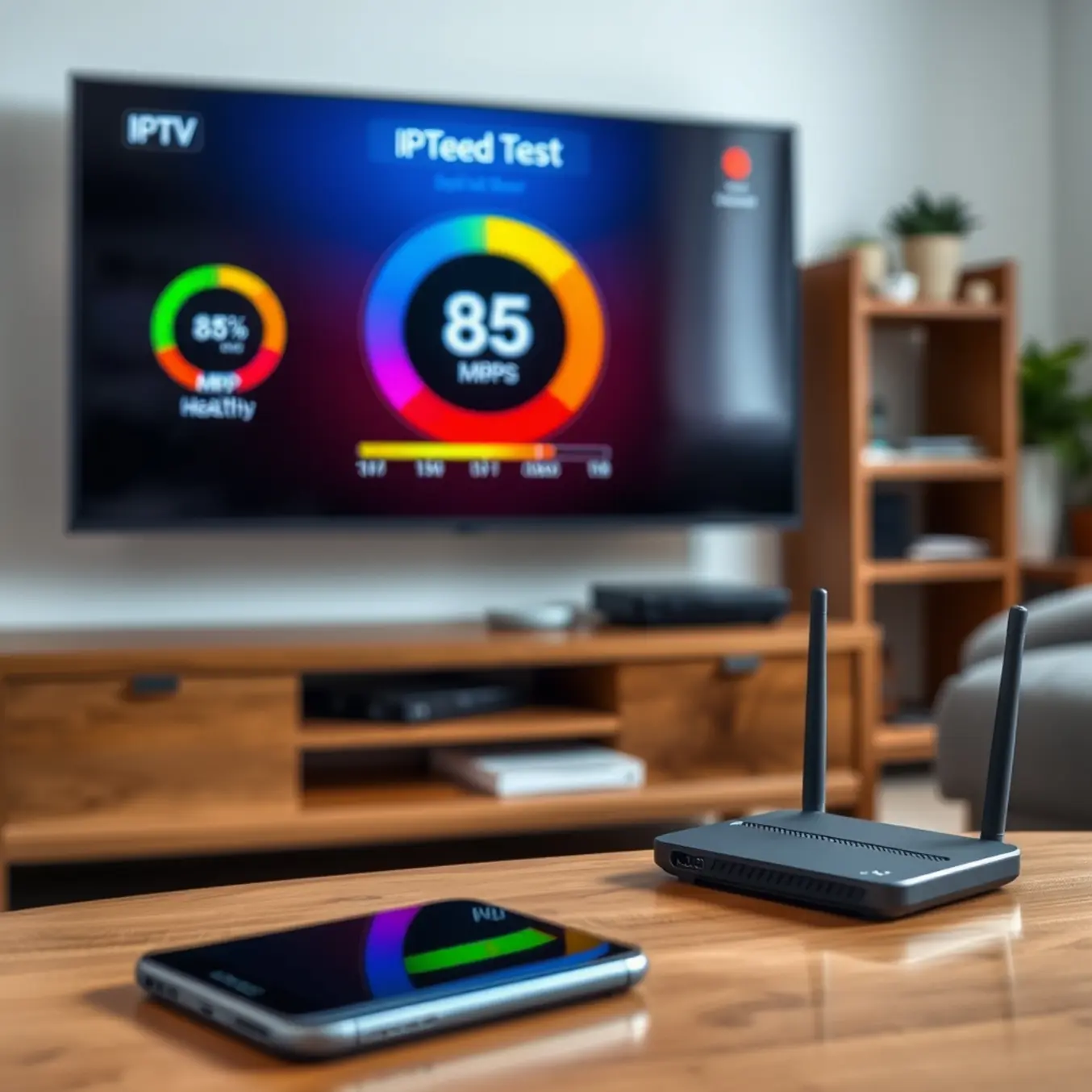
Why Internet Speed Matters for IPTV Streaming
Internet speed is the backbone of any streaming service, but it’s particularly crucial for IPTV. Unlike traditional streaming platforms that buffer content in advance, IPTV delivers live television in real-time. This fundamental difference means your internet connection must maintain consistent speeds to handle continuous data flow without interruption.
When your connection falters, IPTV services can’t pre-load content to compensate. Consequently, you’ll experience immediate buffering, pixelation, or complete service disruption. For reliable IPTV streaming, minimum internet speeds of 25 Mbps are recommended for standard definition content, while 4K streaming may require 50 Mbps or higher.
How IPTV Differs From Traditional Streaming Services
Traditional streaming platforms like Netflix and YouTube use HTTP-based protocols that download content to your device’s cache. This allows them to compensate for temporary network fluctuations by playing from the buffered content. Meanwhile, IPTV operates on Internet Group Management Protocol (IGMP) for live broadcasting and Real-Time Streaming Protocol (RTSP) for on-demand content.
These protocols prioritize real-time delivery over buffering, making IPTV more susceptible to network inconsistencies. Additionally, IPTV often requires more sophisticated network optimization than traditional streaming services due to its live nature and higher bandwidth demands for multi-channel viewing.
Understanding IPTV Speed Requirements for Different Resolutions
Streaming IPTV content requires different internet speeds depending on the video quality you want to enjoy. Standard Definition (SD) typically needs at least 3-5 Mbps for smooth playback, while High Definition (HD) content requires 5-8 Mbps. For Full HD (1080p) streaming, you’ll want 8-12 Mbps, and 4K UHD demands the most bandwidth at 25-35 Mbps for optimal performance [Source: Speedtest].
Standard Definition (SD) Streaming Requirements
SD streaming, typically at 480p resolution, represents the most basic IPTV viewing experience. Consequently, it requires the least amount of bandwidth. However, you should maintain a consistent 3-5 Mbps connection to prevent buffering during peak viewing times. This makes SD ideal for mobile devices or situations with limited internet capacity. Moreover, many budget-friendly IPTV services primarily offer SD channels to accommodate users with slower internet connections.
High Definition (HD) Streaming Demands
HD streaming at 720p or 1080i resolution provides significantly better picture quality than SD. Therefore, you’ll need 5-8 Mbps for reliable HD streaming without interruptions. Additionally, consider that multiple devices using the same network will require additional bandwidth. For instance, if you’re streaming HD content while others are browsing or gaming, you might experience performance issues. Many sports-focused IPTV services prioritize HD streaming to deliver crisp, clear action.
4K UHD Streaming Requirements
4K Ultra HD streaming demands the most substantial internet connection at 25-35 Mbps due to its significantly higher resolution and data requirements. This premium viewing experience delivers four times the detail of Full HD, but requires robust bandwidth to maintain quality. Additionally, many 4K IPTV plans recommend even higher speeds for the best experience, especially when streaming HDR content.
Why Accurate Internet Speed Testing Matters for IPTV
Before diving into streaming quality with your IPTV service, understanding your actual internet speed is crucial. Many users experience buffering and poor video quality not because of their IPTV provider, but due to insufficient bandwidth. Accurate speed testing helps identify whether your connection meets the requirements for smooth IPTV streaming.
According to our comprehensive guide on internet speed requirements for IPTV, standard definition streams typically need 3-5 Mbps, while HD content requires 5-10 Mbps and 4K streaming demands 25 Mbps or higher. However, these are minimum requirements – having extra bandwidth ensures consistent performance, especially during peak usage hours.
Top Internet Speed Testing Tools
Several reliable tools provide accurate measurements of your connection speed. Speedtest by Ookla remains the industry standard, offering comprehensive testing servers worldwide. Meanwhile, Fast.com, developed by Netflix, focuses specifically on streaming performance and provides quick, straightforward results.
For more detailed analysis, Measurement Lab’s NDT test offers advanced diagnostics about your connection quality. Additionally, SpeedOf.Me uses HTML5 technology to test your connection without requiring Flash, making it compatible with more devices.
Proper Testing Methodology for IPTV
To get accurate results, follow these testing best practices. First, connect your testing device directly to your modem via Ethernet cable when possible, as Wi-Fi can introduce significant variability. If you must use Wi-Fi, position yourself close to the router and ensure no other devices are consuming bandwidth during the test.
Run multiple tests at different times throughout the day, particularly during evening hours when network congestion typically peaks. Test both download and upload speeds, though download speed is more critical for IPTV streaming. Pay attention to latency and jitter measurements, as these affect streaming stability.
Understanding Speed Test Metrics for IPTV
When analyzing speed test results for IPTV performance, you need to focus on several key metrics. Download speed is the most critical factor, as it determines how quickly data can be streamed to your device. For standard definition content, you’ll need at least 3-5 Mbps, while HD streams require 8-10 Mbps. Meanwhile, 4K content demands 25 Mbps or higher for optimal performance.
However, download speed alone doesn’t guarantee smooth streaming. Latency, measured in milliseconds (ms), indicates how quickly data travels between your device and the server. For IPTV, you want latency below 100 ms to prevent noticeable delays. Additionally, jitter measures the consistency of your connection – high jitter causes buffering and unstable streams. Aim for jitter below 30 ms for reliable IPTV viewing.
Upload Speed and Packet Loss Considerations
While upload speed receives less attention for streaming, it plays a crucial role in maintaining stable connections. Your device constantly communicates with the IPTV server, and insufficient upload speed can cause interruptions. Most IPTV services recommend at least 3 Mbps upload speed for consistent performance.
Packet loss is another critical metric that directly impacts stream quality. Even minor packet loss (above 1-2%) can cause freezing, pixelation, and audio sync issues. Quality speed tests will measure packet loss percentage, giving you insight into connection stability. For more information on internet requirements, check our guide on how much internet speed you need for IPTV streaming.
Understanding IPTV Speed and Buffering Issues
Buffering and slow streaming are among the most common frustrations for IPTV users. These issues typically stem from internet connection problems, network congestion, or server-side limitations. When your stream constantly pauses to load content, it disrupts your viewing experience and indicates underlying performance problems that need addressing.
Fortunately, most IPTV speed issues can be resolved with simple troubleshooting steps. By systematically checking your setup and making targeted adjustments, you can significantly improve streaming quality. Meanwhile, our comprehensive guide on how to fix buffering on IPTV provides additional specialized solutions for persistent problems.
Check Your Internet Connection Speed
Your internet speed is the foundation of smooth IPTV streaming. Standard definition content requires at least 5-10 Mbps, while HD streams need 15-25 Mbps. For 4K content, you’ll want a minimum of 25-40 Mbps for optimal performance. However, these are baseline requirements – having extra bandwidth ensures consistent quality during peak usage times.
Conduct a speed test using services like Speedtest.net or Fast.com to verify your actual connection speed. Importantly, run these tests on the same device you use for IPTV streaming while other household internet activities are occurring. This gives you a realistic picture of available bandwidth during typical usage. If your speeds fall below requirements, contact your ISP about upgrading your plan or troubleshooting connection issues.
Optimize Your Network Setup
Network configuration plays a crucial role in IPTV performance. Wired connections consistently outperform wireless ones, so connect your streaming device directly to your router via Ethernet whenever possible. This eliminates Wi-Fi interference and provides more stable bandwidth. If you must use Wi-Fi, position your device closer to the router and reduce signal obstructions.
Additionally, consider implementing Quality of Service (QoS) settings on your router if available. QoS prioritizes streaming traffic over other internet activities, ensuring your IPTV receives the necessary bandwidth. You should also disconnect unused devices from your network during streaming sessions and avoid bandwidth-intensive activities like large downloads or online gaming simultaneously.
Optimize Your Network for Superior IPTV Streaming
Streaming high-quality IPTV content requires a stable, high-speed internet connection. For standard definition (SD) streams, aim for at least 3-5 Mbps, while HD content typically needs 8-10 Mbps. Meanwhile, 4K Ultra HD streaming demands 25 Mbps or higher for smooth playback without buffering interruptions [Source: All In One TV].
Prioritize Your IPTV Traffic with Quality of Service
Quality of Service (QoS) settings on your router can dramatically improve streaming performance. This feature allows you to prioritize IPTV traffic over other internet activities like downloads or web browsing. Consequently, your streaming devices receive bandwidth priority, minimizing buffering during peak usage times when multiple devices compete for bandwidth.
Wired Connections Deliver Maximum Stability
For the most reliable IPTV experience, connect your streaming device directly to your router using an Ethernet cable. Wired connections eliminate wireless interference and provide consistent bandwidth, which is particularly important for high-bitrate 4K content [Source: All In One TV]. If you must use Wi-Fi, position your router centrally and ensure your streaming device has strong signal strength.
Optimize Your Wi-Fi Network Configuration
Modern dual-band routers offer both 2.4GHz and 5GHz frequencies. The 5GHz band typically provides faster speeds with less interference, making it ideal for IPTV streaming. Additionally, ensure your router firmware is updated regularly, as manufacturers often release performance improvements and security patches that can enhance streaming reliability.
Consider a VPN for Geographic Restrictions
Some IPTV content may be geographically restricted. A Virtual Private Network (VPN) can help bypass these limitations while potentially improving connection stability to your IPTV provider’s servers [Source: All In One TV]. However, ensure your VPN provider offers sufficient bandwidth for high-quality streaming without significant speed reduction.
Upgrade Your Equipment When Necessary
Older routers may struggle with modern streaming demands. If you consistently experience buffering despite adequate internet speeds, consider upgrading to a newer router with better processing power and advanced QoS features. Similarly, ensure your streaming device meets the technical requirements for your chosen IPTV service [Source: All In One TV].
Sources
- All In One TV – Best IPTV Services for Firestick, Android and Smart TV in 2025
- All In One TV – Cheap IPTV Subscriptions: Unlocking Affordable Entertainment in 2025
- All In One TV – How Much Internet Speed Do You Need for IPTV Streaming?
- All In One TV – How to Fix Buffering on IPTV: A Comprehensive Guide
- All In One TV – How to Use VPN for IPTV: A Comprehensive Guide to Unlocking Global Streaming
- All In One TV – IPTV Smarters Pro Setup Guide: A Comprehensive Step-by-Step Tutorial
- All In One TV – The Best IPTV Subscription for Sports: Your Ultimate Guide to Streaming Live Action
- All In One TV – TiviMate IPTV Player: Setup, Subscription and Best Settings for Optimal Streaming
- All In One TV – Unlock the Future of Entertainment With Our 4K IPTV Plans
- Fast.com – Internet Speed Test
- Measurement Lab – Network Diagnostic Test
- SpeedOf.Me – HTML5 Based Speed Test
- Speedtest by Ookla – Global Speed Test
- Speedtest – Internet Speed Requirements for Different Activities