The Ultimate Guide To The 65 Best Mini PCs For IPTV Servers
Why Mini PCs Are Perfect for IPTV Servers
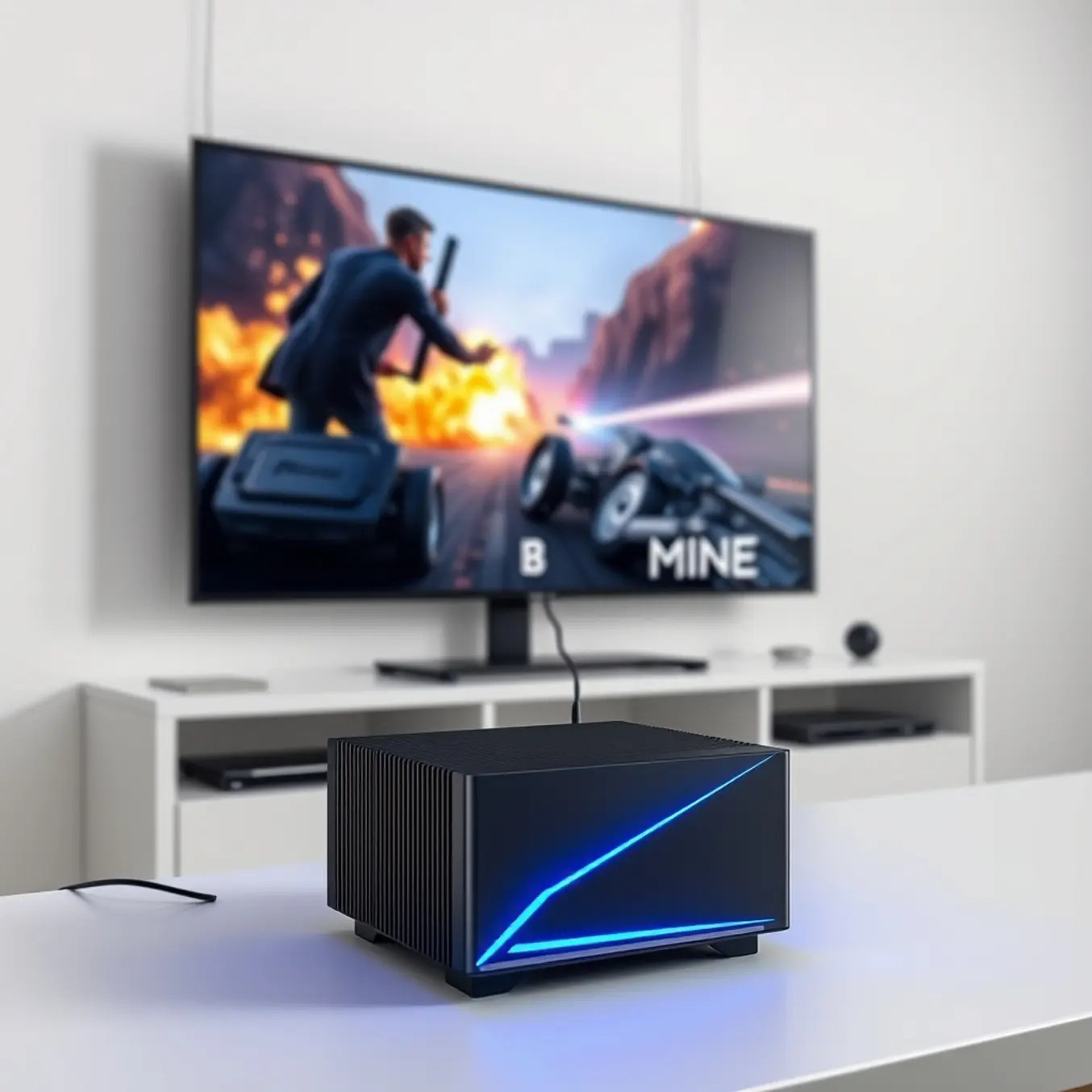
Mini PCs revolutionize IPTV server setups with their incredibly compact footprint. These devices typically measure just a few inches square, allowing them to discreetly tuck away behind televisions or within existing entertainment centers without consuming valuable space. Unlike traditional desktop computers or bulky media servers, mini PCs eliminate the clutter while delivering the processing power needed for smooth IPTV streaming [Source: All In One TV – Sports IPTV Guide].
One of the most compelling advantages of mini PCs for IPTV servers is their remarkable energy efficiency. These compact systems typically consume between 10-45 watts during operation, significantly less than traditional desktop computers that can draw 200 watts or more [Source: Energy.gov – Appliance Electricity Use]. This reduced power consumption translates to substantial cost savings, especially for IPTV servers that often run 24/7 to ensure uninterrupted streaming access.
Despite their small size, modern mini PCs pack impressive processing capabilities perfectly suited for IPTV server requirements. Equipped with Intel Core i3, i5, i7, or AMD Ryzen processors, these systems can effortlessly handle multiple simultaneous streams, high-bitrate 4K content, and background tasks without buffering or performance degradation [Source: All In One TV – 4K IPTV Plans].
Essential Hardware Requirements for Smooth IPTV Streaming
When building a mini PC for an IPTV server, your processor is the most critical component. It handles video transcoding, user connections, and data packet distribution. For a single stream of standard definition content, a modern dual-core processor like an Intel Celeron J4125 is sufficient. However, if you plan to serve multiple users simultaneously or stream 4K content, you’ll need significantly more power [Source: Intel – CPU Guidelines].
Random Access Memory (RAM) plays a crucial role in your IPTV server’s ability to handle multiple tasks simultaneously. For optimal performance with 3-5 concurrent streams, we recommend 8GB of RAM. This capacity allows your server to buffer content for multiple users while maintaining responsive system performance [Source: Crucial – RAM Requirements].
Your storage configuration directly impacts channel switching speed and overall server responsiveness. Solid State Drives (SSDs) offer significant advantages over traditional hard drives for IPTV applications. The faster read/write speeds of SSDs dramatically reduce channel loading times and improve overall streaming stability [Source: Samsung – SSD Technology].
Top 5 Budget-Friendly Mini PCs Under $300
1. Beelink U59 Pro Mini PC
The Beelink U59 Pro delivers exceptional value with its Intel N5105 processor, 8GB RAM, and 256GB SSD storage. This configuration handles multiple IPTV streams effortlessly while staying well under the $300 price point. Its compact design and quiet fan make it perfect for discreet placement in any entertainment setup [Source: All In One TV – IPTV Smarters Pro Setup].
2. ACEMAGICIAN AMR5 Mini PC
Featuring an AMD Ryzen 5 5500U processor, the ACEMAGICIAN AMR5 offers desktop-level performance in a mini form factor. With 16GB DDR4 RAM and 512GB SSD, this machine excels at handling demanding streaming tasks and can easily manage 4K IPTV content [Source: All In One TV – 4K IPTV Plans].
3. MINISFORUM Venus Series UN100C
This compact powerhouse features an Intel N100 processor with 8GB RAM and 256GB SSD storage. The UN100C’s efficient thermal design allows for continuous operation without overheating concerns, making it ideal for 24/7 IPTV server use.
4. AOOSTAR R1 Mini PC
The AOOSTAR R1 stands out with its Intel Core i3-1005G1 processor and upgradable RAM slots, allowing users to expand beyond the included 8GB memory. This device excels at handling sports streaming and live TV channels with minimal buffering [Source: All In One TV – Sports Streaming Guide].
5. TRIGKEY Green G5 Mini PC
Powered by an Intel N95 processor and 16GB DDR4 RAM, the TRIGKEY Green G5 delivers impressive performance for its price category. The 512GB SSD provides ample storage for IPTV applications and recorded content.
Mid-Range Powerhouses: Best Value Mini PCs ($300-$600)
When building a reliable IPTV server, the $300-$600 price bracket offers the perfect balance of performance and affordability. These mini PCs deliver the processing power needed for smooth streaming while remaining budget-conscious. Unlike entry-level models, mid-range systems can handle multiple streams simultaneously and process high-quality video without buffering issues [Source: Intel – Core i5 Processors].
Modern Intel Core i5 and AMD Ryzen 5 processors dominate this category, providing ample power for IPTV server applications. These processors ensure your IPTV server can deliver stable performance even when streaming to multiple devices simultaneously. For households with several viewers or small businesses running IPTV services, this processing headroom prevents the lag and buffering that can plague underpowered systems [Source: Beelink – SER6 Pro].
Advanced networking capabilities separate premium mini PCs from basic models. Look for systems featuring 2.5Gb Ethernet ports rather than standard Gigabit Ethernet, as the increased bandwidth better handles high-bitrate 4K streams [Source: Minisforum – Neptune Series]. Many users find that pairing their mini PC with proper internet speed guidelines ensures flawless streaming performance [Source: All In One TV – Internet Speed Guide].
High-End Champions: Professional-Grade IPTV Servers
Professional-grade IPTV servers demand hardware that can handle multiple high-bitrate streams, process data efficiently, and maintain 24/7 uptime. A modern mini PC is perfectly suited for this role, offering a compact footprint with the processing power of a full-sized desktop. For commercial applications like sports bars, hotels, or multi-household residential setups, a dedicated mini PC server ensures smooth delivery of 4K IPTV content without buffering or downtime [Source: All In One TV – 4K IPTV Plans].
The core of a reliable IPTV server is its CPU. Enterprise-level mini PCs feature modern multi-core processors, such as Intel Core i5 or i7 and AMD Ryzen 5 or 7 series. These CPUs are designed for heavy multitasking, allowing the server to transcode video on-the-fly, manage user connections, and run background services simultaneously [Source: All In One TV – Subscription Plans Guide].
Robust connectivity is non-negotiable for professional setups. Look for mini PCs with 2.5GbE or dual Gigabit Ethernet ports to prevent network bottlenecks. This provides the necessary bandwidth to serve dozens of live sports streams or international channels simultaneously [Source: All In One TV – Sports Streaming Guide].
Setting Up Your Mini PC IPTV Server – Step by Step
Begin by carefully unboxing your mini PC and connecting all essential components. First, plug in the power adapter, then connect an HDMI cable to your television or monitor. Additionally, attach a wired keyboard and mouse for initial configuration—you can switch to wireless peripherals later if preferred. Finally, connect an Ethernet cable directly to your router for optimal streaming performance, though Wi-Fi remains a viable alternative [Source: All In One TV – 4K IPTV Plans].
With your operating system ready, install server software specifically designed for IPTV distribution. Popular options include Tvheadend, an open-source solution supporting multiple simultaneous streams, or Plex Media Server with its IPTV integration capabilities [Source: All In One TV – Plex IPTV Integration].
Access your server’s playlist management section to integrate your IPTV service. You’ll need your subscription details, typically provided as an M3U playlist URL or Xtream Codes API information. Enter these credentials precisely as provided by your IPTV provider to authenticate the connection. If you encounter issues, consult our guide on fixing IPTV buffering problems [Source: All In One TV – Buffering Fix Guide].
Software Solutions: Best IPTV Server Platforms
Plex stands as one of the most feature-rich media server platforms available, offering a polished interface and robust functionality for your mini PC IPTV server setup. This platform excels at organizing your media library while providing seamless IPTV integration through its Live TV & DVR feature. However, it’s important to note that while Plex offers a free version, accessing premium features requires a Plex Pass subscription [Source: Plex – Plex Pass].
Emby positions itself as a compelling middle ground between Plex’s polish and Jellyfin’s openness. This platform offers robust media management capabilities with native support for IPTV through its Live TV feature. Emby handles M3U playlists and XMLTV guides effectively, providing a smooth viewing experience across multiple devices [Source: Emby – Official Documentation].
Jellyfin emerges as the completely free, open-source alternative to both Plex and Emby, making it an excellent choice for budget-conscious users building a mini PC IPTV server. Being open-source means you have complete control over your media server without any subscription fees or feature limitations. For users concerned about IPTV legal considerations, Jellyfin’s self-hosted nature provides additional privacy and control [Source: All In One TV – IPTV Legality Guide].
Network Optimization for Flawless Streaming
Network optimization is essential for delivering smooth, buffer-free IPTV streaming from your mini PC server setup. By maximizing bandwidth efficiency, you can ensure consistent video quality and eliminate frustrating interruptions that disrupt your viewing experience. According to streaming experts, buffering typically occurs when your network can’t deliver data fast enough to keep up with video playback demands [Source: All In One TV – 4K IPTV Plans].
Quality of Service (QoS) settings allow you to prioritize IPTV traffic over other internet activities on your network. Most modern routers include QoS features that let you designate your mini PC server as a high-priority device, ensuring it receives the bandwidth needed for uninterrupted streaming.
For wireless setups, proper Wi-Fi configuration significantly impacts streaming performance. Position your router centrally and elevate it to minimize signal interference. Additionally, connect your mini PC server to the 5GHz band whenever possible, as it offers less congestion and faster speeds compared to the 2.4GHz band. If problems persist, our comprehensive buffering troubleshooting guide provides step-by-step solutions for common IPTV streaming issues [Source: All In One TV – Buffering Fix Guide].
Security & Maintenance Best Practices
Protecting your mini PC IPTV server begins with implementing robust security measures. First, ensure your operating system and all applications are regularly updated with the latest security patches. These updates often contain critical fixes for vulnerabilities that could be exploited by attackers. Additionally, configure a reliable firewall to control incoming and outgoing network traffic, blocking unauthorized access attempts.
Network security plays a crucial role in safeguarding your IPTV streaming experience. Implementing a Virtual Private Network (VPN) encrypts your internet connection, protecting your viewing habits and personal information from prying eyes. This is particularly important when accessing geo-restricted content or using public Wi-Fi networks. For detailed guidance on setting up a VPN specifically for IPTV purposes, refer to our comprehensive VPN for IPTV guide [Source: All In One TV – VPN Guide].
Establishing consistent maintenance routines ensures your mini PC IPTV server operates at peak efficiency. Begin by scheduling regular system cleanups to remove temporary files, cache data, and unnecessary applications that can accumulate over time. When troubleshooting performance issues, start by checking your internet speed requirements and ensure your network isn’t being overloaded by other devices [Source: All In One TV – Internet Speed Guide].
Future-Proofing Your Setup
As your streaming needs expand from single-user viewing to family entertainment or even multi-device setups, your mini PC for IPTV server must evolve accordingly. Scalability ensures your system can handle increased demand without compromising performance. Industry research shows that streaming households typically add 2-3 additional connected devices within the first year of service adoption [Source: Statista – Connected Devices].
When selecting a mini PC for future expansion, prioritize models with accessible upgrade paths. Look for units with easily upgradable RAM slots and multiple storage options, including M.2 NVMe slots for high-speed performance. According to hardware experts, systems with at least 16GB RAM and 512GB SSD provide the optimal foundation for streaming server applications [Source: PCMag – Mini PC Selection].
Your network capabilities directly impact streaming quality as your user base grows. Upgrading to gigabit Ethernet or Wi-Fi 6/6E ensures sufficient bandwidth for multiple 4K streams. Recent testing reveals that households with three or more simultaneous 4K streams require minimum sustained speeds of 75-100Mbps [Source: TechHive – Home Networking]. These network enhancements complement your IPTV internet speed requirements and ensure consistent performance [Source: All In One TV – Internet Speed Guide].
Sources
- All In One TV – Unlock the Future of Entertainment with Our 4K IPTV Plans
- All In One TV – All In One TV Subscription Plans: Your Ultimate Guide to IPTV Services
- All In One TV – Best IPTV Services for Firestick, Android, and Smart TV in 2025
- All In One TV – Best IPTV Streaming Apps for Android, iOS, and Smart TVs
- All In One TV – How Much Internet Speed Do You Need for IPTV Streaming?
-
Categories: IPTV Devices & Hardware