How To Use IPTV On Projectors A Complete Setup Guide
Why IPTV and Projectors Are a Perfect Match
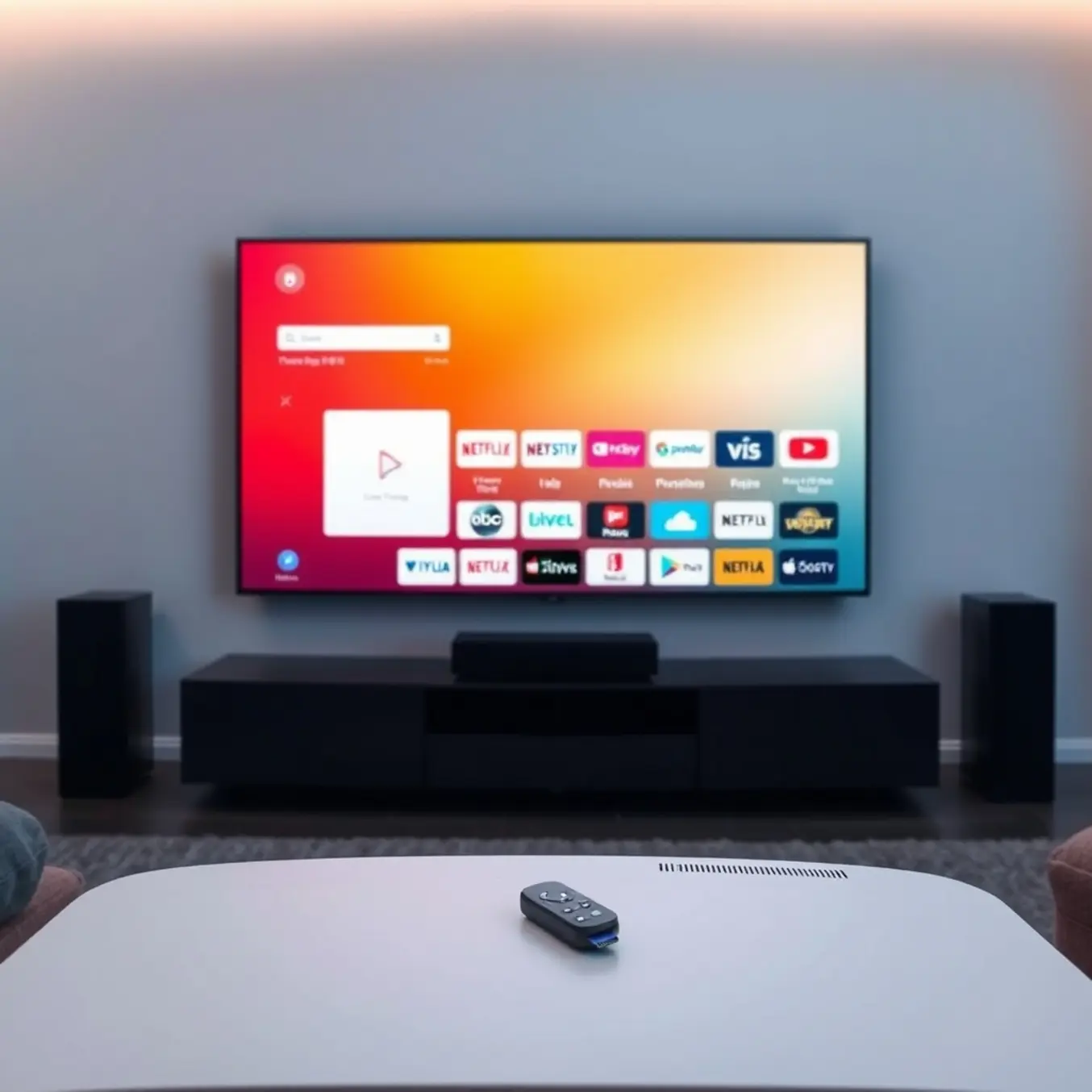
Internet Protocol Television (IPTV) represents a revolutionary approach to content delivery that streams television programming through internet connections rather than traditional broadcast methods. This technology offers significant advantages for projector setups, particularly when it comes to creating immersive home theater experiences. Unlike conventional cable or satellite TV, IPTV delivers content on-demand with superior flexibility and customization options.
When paired with projectors, IPTV transforms ordinary viewing into cinematic adventures. The combination allows viewers to enjoy massive screen sizes that rival commercial theaters, all from the comfort of their homes. Modern IPTV services support high-resolution formats including 4K and even 8K content, making them ideal for projection systems that can truly showcase these visual enhancements. According to industry analysis, the global IPTV market is projected to reach $194.21 billion by 2027, reflecting the growing adoption of internet-based television solutions.
Understanding Different Projector Types for IPTV
Choosing the right projector is crucial for optimizing your IPTV experience. Home theater projectors typically offer superior color accuracy and contrast ratios, making them perfect for movie nights and sports events. These devices often feature advanced processing capabilities that enhance IPTV streaming quality. Meanwhile, business or portable projectors provide flexibility for temporary setups but may sacrifice some image quality features.
DLP (Digital Light Processing) projectors deliver smooth motion handling that’s particularly beneficial for fast-paced sports content available through sports-focused IPTV subscriptions. Alternatively, LCD projectors typically produce brighter images, making them suitable for rooms with ambient light. For the ultimate viewing experience, 4K UHD projectors paired with 4K IPTV plans create stunning visual clarity that transforms your living space into a premium entertainment venue.
Essential Hardware for IPTV Projector Setup
Creating a seamless IPTV projection system requires specific hardware components. First, you’ll need a reliable streaming device such as an Android TV box, Amazon Fire Stick, or similar media player. These devices serve as the bridge between your IPTV service and projector. Many modern projectors include built-in smart features, but dedicated streaming devices often provide better performance and more app options.
A robust internet connection is equally important for buffer-free streaming. Industry recommendations suggest minimum speeds of 25 Mbps for HD content and 35+ Mbps for 4K streaming. Additionally, proper audio equipment is essential since most projectors have limited built-in speakers. Soundbars or home theater systems dramatically enhance the immersive quality of your IPTV experience.
Connection cables represent another critical consideration. HDMI cables should support the latest standards to ensure compatibility with high-resolution content. For longer cable runs between devices, quality becomes increasingly important to maintain signal integrity. Wireless solutions like Chromecast or Miracast can also provide flexible connectivity options between your streaming device and projector.
Optimizing Your Viewing Environment
The physical setup of your projection system significantly impacts the overall IPTV experience. Proper screen selection, whether dedicated projection screens or specially treated walls, affects image brightness and color accuracy. Room lighting control is equally important—darker environments typically produce better contrast and more vibrant colors from projected images.
Positioning your projector at the correct distance and angle ensures optimal focus and image geometry. Many modern projectors include keystone correction features, but proper placement minimizes the need for digital adjustments that can reduce image quality. Additionally, considering acoustic treatment in your viewing space can enhance audio quality from your IPTV content, creating a more immersive entertainment environment.
With the right combination of IPTV service, projector technology, and supporting hardware, you can create a home entertainment system that rivals commercial cinema experiences. The flexibility of IPTV combined with the immersive quality of projection technology represents the future of home viewing, offering unprecedented control over what, when, and how you watch your favorite content.
Choosing the Right Streaming Device for Your Projector
Selecting the appropriate streaming device is crucial for transforming your projector into a powerful entertainment hub. The market offers several excellent options, each with unique strengths. Amazon Fire Stick remains a popular choice due to its user-friendly interface and extensive app support, including easy IPTV setup capabilities. Meanwhile, Google Chromecast excels at screen mirroring from mobile devices and computers, providing flexibility in content sources.
Roku devices offer a neutral platform with access to thousands of channels, while Apple TV provides seamless integration for users within the Apple ecosystem. For those seeking maximum performance, NVIDIA Shield TV delivers superior processing power and gaming capabilities. Consider your budget, preferred content sources, and existing device ecosystem when making your selection.
Connection Setup: Bridging Your Device to Projector
Connecting your streaming device to a projector follows a straightforward process. First, identify the available ports on both devices – most modern projectors feature HDMI inputs, which are compatible with streaming devices. If your projector only has older VGA or composite inputs, you’ll need an HDMI to VGA converter or similar adapter.
Power your streaming device using the included power adapter rather than relying on the projector’s USB port, as this ensures stable performance. Position the device within range of your Wi-Fi signal or connect via Ethernet for optimal streaming quality. Finally, switch your projector to the correct input source to see the streaming device’s interface displayed on your screen.
Network Optimization for Seamless IPTV Streaming
A stable network connection is essential for uninterrupted IPTV viewing. For standard definition content, aim for at least 10 Mbps download speed, while HD and 4K streaming require 25 Mbps or higher according to internet speed recommendations for IPTV. Wired Ethernet connections typically provide the most reliable performance, eliminating Wi-Fi interference issues that can cause buffering.
If using Wi-Fi, position your router close to the streaming device or consider a Wi-Fi extender. Additionally, reduce network congestion by limiting other devices’ bandwidth usage during streaming sessions. For enhanced security and access to geo-restricted content, consider using a VPN service specifically configured for IPTV.
Troubleshooting Common Connection Issues
Even with proper setup, you might encounter occasional technical challenges. If experiencing buffering or poor video quality, first test your internet speed using online tools. Restarting your router and streaming device often resolves temporary connectivity issues. Check for firmware updates on both your streaming device and projector, as outdated software can cause compatibility problems.
For persistent audio-video sync issues, adjust the audio delay settings in your streaming app or projector menu. If using adapters, ensure they’re high-quality and properly secured. Finally, consult your device-specific setup guide for manufacturer-recommended troubleshooting steps tailored to your equipment.
Finding and Configuring the Right IPTV Application
Before installing any IPTV app, you’ll need to choose the right application for your device and preferences. Popular options include IPTV Smarters Pro, TiviMate, and Perfect Player, each offering different interfaces and features. Meanwhile, some users prefer all-in-one solutions like our All-In-One TV subscription plans that provide integrated apps and services.
For Android devices and Firestick, you can typically find IPTV apps in the Google Play Store or Amazon Appstore. However, some advanced applications like TiviMate may require sideloading through downloader apps. On the other hand, Smart TV platforms like Samsung and LG have their own app stores with compatible IPTV players.
Installation Process by Device Type
The installation process varies significantly depending on your streaming device. For Firestick users, our comprehensive Firestick IPTV setup guide provides detailed instructions for enabling unknown sources and installing your chosen application.
Android box installation typically follows a similar pattern to Firestick, while Smart TVs require specific approaches. For instance, Samsung Smart TV users can follow our dedicated Samsung IPTV guide, and LG TV owners can reference our LG Smart TV installation tutorial.
Configuring Your IPTV Application
Once installed, configuration is the next critical step. Most IPTV applications require either Xtream Codes API login credentials or an M3U playlist URL provided by your IPTV service. These details are typically available in your service provider’s dashboard or welcome email.
For Xtream Codes setup, you’ll enter your username, password, and server URL. Alternatively, M3U setup involves pasting your playlist URL. If you’re unfamiliar with M3U links, our guide to M3U links explains how they work and how to use them effectively.
IPTV Smarters Pro Setup
IPTV Smarters Pro remains one of the most popular IPTV applications due to its user-friendly interface. The setup process involves selecting “Login with Xtream Codes API,” then entering your portal URL, username, and password. For detailed instructions, check our IPTV Smarters Pro setup guide with step-by-step screenshots.
Additionally, our 2025 IPTV Smarters Pro update covers the latest features and installation improvements that enhance the user experience.
Advanced Application Configuration
After basic setup, optimizing your application settings can significantly improve streaming quality. This includes adjusting video player options, enabling hardware acceleration, configuring electronic program guide (EPG) sources, and setting up catch-up TV if available.
TiviMate users particularly benefit from extensive customization options. Our TiviMate setup and settings guide covers premium features and optimal configurations for buffer-free streaming.
Managing Multiple Playlists and Accounts
Many advanced IPTV applications support multiple playlists or accounts, allowing you to combine services or separate content by category. This feature is especially useful for households with diverse viewing preferences or for accessing specialized content from different providers.
For managing multiple devices, consider our IPTV Smarters Pro multi-device guide that explains how to configure the same account across different platforms while maintaining synchronization.
Optimizing Your Projector’s Display Settings
To achieve the best video performance from your IPTV service on a projector, proper display configuration is crucial. First, ensure your projector’s native resolution matches your IPTV stream quality – most modern projectors support 1080p or 4K resolution. According to Projector Central, setting the correct aspect ratio (typically 16:9 for modern content) prevents image distortion and maximizes screen real estate.
Additionally, adjust your projector’s picture mode to “Cinema” or “Movie” for more accurate colors in darker viewing environments. Many users overlook the importance of enabling motion smoothing or frame interpolation features, which can significantly reduce motion blur during fast-paced sports and action scenes. However, these settings may introduce the “soap opera effect,” so test different levels to find your preference.
Fine-Tuning Color and Brightness
Proper color calibration dramatically improves picture quality. Start by adjusting brightness and contrast using test patterns to ensure you can distinguish between dark shades without losing detail. The RTINGS projectors testing methodology recommends setting contrast high enough to produce bright whites without “blowing out” highlights.
For color temperature, the 6500K standard typically provides the most natural-looking images. If your projector includes color management system (CMS) settings, you can fine-tune individual color channels for greater accuracy. Remember that projector lamps lose brightness over time, so periodically recalibrate these settings as the bulb ages.
Network Optimization for Smooth Streaming
A stable internet connection is essential for buffer-free IPTV streaming on projectors. For HD content, aim for at least 15-25 Mbps, while 4K streams may require 40+ Mbps. As highlighted in our internet speed guide for IPTV, consistent bandwidth matters more than peak speeds for preventing interruptions.
Wired Ethernet connections typically provide the most reliable performance for projectors. If you must use Wi-Fi, position your router close to the projector and consider a 5GHz network to reduce interference. For larger homes, mesh Wi-Fi systems or powerline adapters can extend strong signals to your viewing area. Furthermore, quality of service (QoS) settings on your router can prioritize IPTV traffic over other internet activities.
Advanced Network Troubleshooting
If you experience buffering despite sufficient bandwidth, try changing your DNS server to Google DNS (8.8.8.8) or Cloudflare (1.1.1.1). Research from TechHive shows that optimized DNS can reduce latency and improve connection stability. Additionally, using a VPN might actually improve performance if your ISP throttles streaming traffic, though it may add slight latency.
Audio Configuration for Immersive Sound
Projectors often have limited built-in speakers, making external audio essential for quality sound. Connect your streaming device directly to a soundbar or home theater system rather than routing audio through the projector. This bypasses potential audio processing delays and maintains higher quality.
For audio formats, ensure your IPTV player and audio system support the same codecs. Most services use AAC or MP3 for stereo and Dolby Digital for surround sound. Check your device’s audio output settings to match your system’s capabilities – bitstream output typically provides the best results for external processors.
Solving Audio-Video Sync Issues
Audio lag is a common problem with projectors due to video processing delays. Most modern receivers and soundbars include lip-sync correction features to compensate. If yours doesn’t, many IPTV players like TiviMate include audio delay adjustments in their settings. Test with content containing clear speaking to fine-tune synchronization.
Device-Specific Optimization Tips
The streaming device you use with your projector significantly impacts performance. For Firestick users, our Firestick IPTV setup guide recommends enabling “Match Original Frame Rate” in display settings to eliminate judder. Android TV devices benefit from developer options that allow background process limits, freeing resources for smoother playback.
Regardless of your device, regularly clear cache and ensure sufficient storage space. Performance typically degrades when available storage drops below 20-30%. Also, keep your IPTV app and device firmware updated, as updates often include performance improvements and bug fixes that enhance projector compatibility.
Advanced Playback Settings
Many IPTV players offer advanced buffering and decoding options. Hardware acceleration (or hardware decoding) typically provides smoother playback than software decoding on capable devices. If you experience stuttering, try different video players within your IPTV application – some handle certain stream types better than others. For persistent issues, reducing stream quality temporarily can help identify whether the problem relates to bandwidth limitations or device performance.
Finally, consider using a dedicated streaming device rather than smart projector apps, as specialized devices often receive more frequent updates and optimization. Our guide to best IPTV services for various devices compares performance across different platforms to help you choose the optimal setup for projector viewing.
Alternative Setup Methods for IPTV on Projectors
Modern gaming consoles have evolved into powerful media centers, making them excellent alternatives for streaming IPTV content to your projector. Both PlayStation and Xbox systems support popular IPTV apps, providing a seamless viewing experience on the big screen.
For PlayStation users, you can install IPTV applications directly from the PlayStation Store. Similarly, Xbox owners can access IPTV services through the Microsoft Store. This approach eliminates the need