The Ultimate Guide To IPTV Boxes For Older TVs In 2025
Why Your Older TV Deserves Modern Streaming
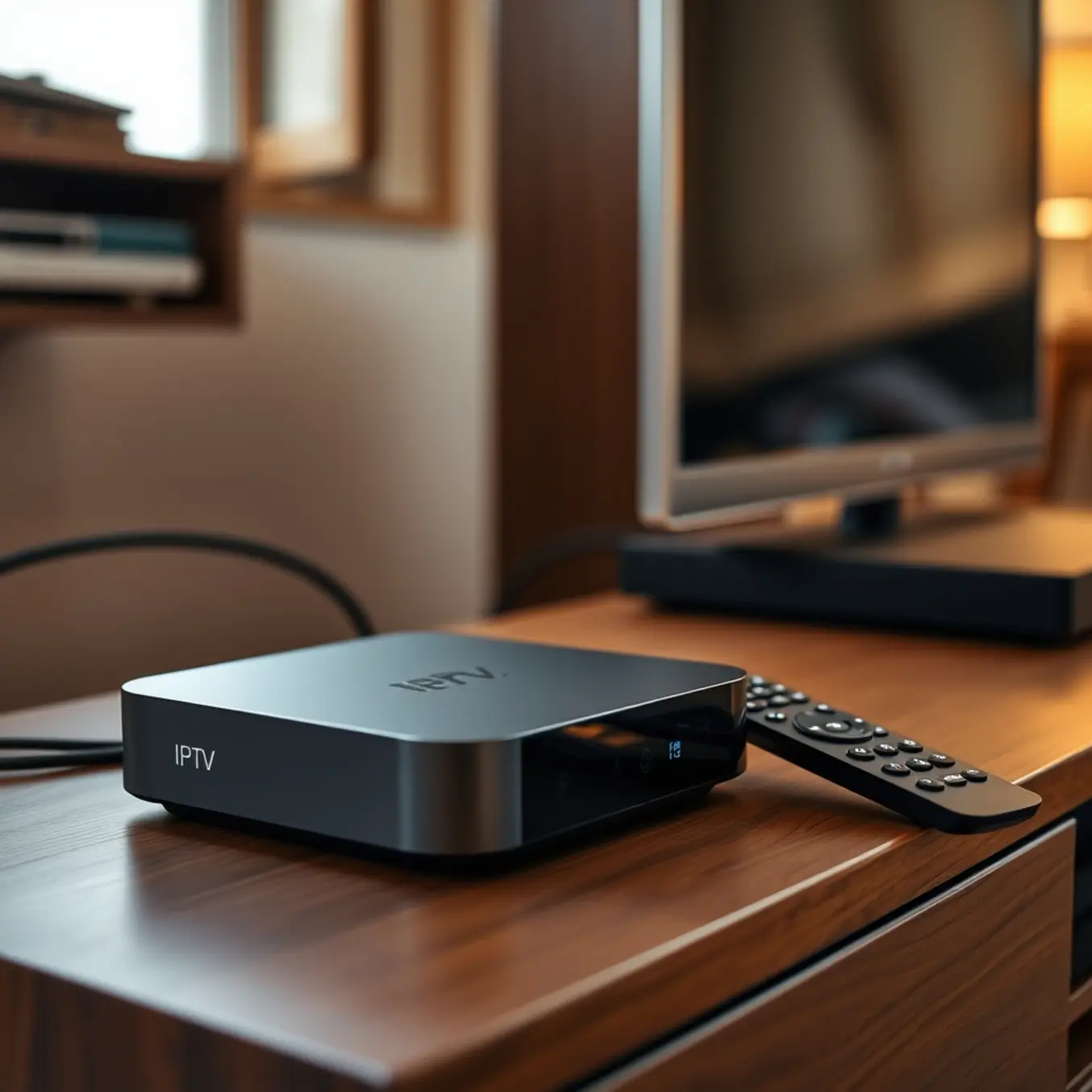
Your older television might seem outdated in today’s streaming-dominated world, but it holds incredible potential waiting to be unleashed. Modern IPTV technology can bridge the gap between vintage hardware and cutting-edge entertainment, transforming your trusted TV into a powerful streaming hub. This transformation doesn’t require expensive upgrades or technical expertise—just the right approach to accessing today’s best content.
Simple Solutions for Smart Streaming
Several straightforward methods exist to bring modern streaming capabilities to your older television. Streaming devices like Amazon Fire Stick or Android TV boxes connect directly to your TV’s HDMI port, instantly providing access to thousands of apps and services. Alternatively, gaming consoles and dedicated media players can serve as excellent streaming platforms. These devices typically cost far less than purchasing a new smart TV while delivering comparable performance and features.
For those seeking the ultimate in flexibility and content selection, IPTV services offer an unparalleled entertainment experience. Unlike traditional cable or satellite TV, IPTV delivers content through internet protocol, providing access to global channels, on-demand movies, and live sports that conventional services can’t match. Our comprehensive guide to IPTV technology explains how this innovative approach works and why it’s revolutionizing home entertainment.
Why IPTV Beats Traditional Options
Modern IPTV services provide significant advantages over both traditional television and standard streaming platforms. You’ll enjoy access to international channels, specialized content, and premium features that simply aren’t available through conventional providers. The cost savings are equally impressive—many users report saving hundreds of dollars annually compared to cable subscriptions while gaining access to more content.
Quality and reliability have improved dramatically in recent years, with many providers now offering 4K streaming and advanced features like catch-up TV and video on demand. According to recent streaming industry reports, IPTV adoption has grown by over 40% in the past two years as consumers discover its superior value proposition [Source: Digital TV Europe].
Connection Compatibility: What to Look For
Many older television sets lack the modern HDMI ports that current streaming devices typically use. However, these classic displays often feature RCA, composite, and AV inputs that can serve as your gateway to contemporary entertainment. Understanding these connection types is crucial for transforming your older television into a streaming powerhouse with services like AllinoneTV.
RCA Connections: The Color-Coded Classic
RCA connectors represent one of the most recognizable input types on older televisions. These color-coded cables typically feature red, white, and yellow connectors that correspond to specific audio and video channels. The yellow cable carries composite video signals, while red and white handle right and left audio channels respectively. According to audio-visual experts, this analog connection method dominated home entertainment systems for decades before digital alternatives emerged [Source: Lifewire].
Modern streaming devices often require converters to connect via RCA inputs. These HDMI-to-RCA converters transform digital signals into analog format, enabling compatibility between new streaming technology and older television hardware. Meanwhile, services like AllinoneTV’s Firestick-compatible services work seamlessly through these conversion setups.
Composite Video: Understanding the Single-Cable Solution
Composite video refers specifically to the yellow RCA connector that combines all video information into a single signal. This technology transmits brightness and color information together, which can result in slightly lower image quality compared to component video that separates these signals. The National Television System Committee established this standard in the 1950s, and it remained prevalent through the early 2000s [Source: Techopedia].
When connecting modern streaming devices through composite inputs, users should manage expectations regarding image resolution. While you won’t achieve 4K quality, the convenience of accessing thousands of channels through services like AllinoneTV’s premium entertainment packages makes this compromise worthwhile for many viewers.
Top 5 IPTV Boxes That Work With Older TVs
Don’t let your older television hold you back from enjoying modern streaming entertainment. Many legacy displays lack smart capabilities or modern HDMI ports, but the right IPTV box can bridge this technological gap seamlessly. These devices are specifically engineered to deliver high-performance streaming to older TVs through connections like composite AV, component, or older HDMI standards.
1. Amazon Fire TV Stick (with HDMI to Composite Converter)
While modern Fire Sticks require HDMI, you can use them with older TVs by adding an HDMI to composite/component converter. This combination provides access to thousands of apps including popular IPTV players. The Fire Stick’s powerful processor ensures smooth streaming, while the converter adapts the signal for your television’s available inputs. This setup works particularly well with reliable IPTV services optimized for Firestick.
2. Formuler Z11 Pro Max
The Formuler Z11 Pro Max stands out with its dedicated MYTVOnline3 interface, specifically designed for IPTV streaming. It includes both HDMI and composite AV outputs, making it compatible with virtually any television. The device’s powerful hardware minimizes buffering, while its intuitive interface simplifies navigation. For optimal performance, pair it with high-quality IPTV services tested for stability.
3. MAG 322 W1
Specifically engineered for IPTV, the MAG 322 W1 features both HDMI and RCA composite outputs for maximum compatibility. This set-top box operates on the proven Infomir platform, known for its reliability with IPTV services. The straightforward interface requires minimal setup, making it ideal for users who prefer simplicity. According to TechRadar’s analysis, MAG devices consistently deliver stable performance for live TV streaming.
4. BuzzTV X5
The BuzzTV X5 offers exceptional flexibility with multiple output options including HDMI, component, and composite connections. Its powerful quad-core processor handles 4K streaming effortlessly, while maintaining compatibility with older 1080p and 720p displays. The device supports all major IPTV applications and provides excellent value. For comprehensive setup assistance, consult our complete setup guide.
5. T95Z Plus Android TV Box
This budget-friendly Android box includes both HDMI and AV outputs, ensuring compatibility with older televisions. Running the Android operating system, it supports numerous IPTV apps from the Google Play Store. The device’s ample storage and RAM provide sufficient power for smooth streaming. However, ensure you have adequate internet speed for IPTV streaming to maximize performance.
Budget-Friendly Solutions Under $50
Finding affordable IPTV solutions that deliver exceptional streaming quality for older televisions doesn’t require breaking the bank. Many premium IPTV services now offer budget-friendly plans under $50 that provide access to thousands of channels, including HD and 4K content, without compromising on performance. These services are specifically optimized to work seamlessly with various television models, ensuring that even older sets can enjoy modern streaming capabilities.
According to recent market analysis, the average cost of IPTV subscriptions has decreased by approximately 30% over the past two years, making premium entertainment more accessible than ever before. Digital Trends confirms that many top-tier providers now offer comprehensive packages starting as low as $10-15 per month, with annual plans often falling well below the $50 threshold.
Optimized Performance for Older Television Models
Modern IPTV services have made significant advancements in compatibility with older television technology. Through efficient compression algorithms and adaptive streaming protocols, these services can deliver high-quality content to televisions that lack the latest hardware specifications. Many providers offer dedicated apps that work seamlessly with popular streaming devices compatible with older TVs, such as Firestick, Roku, and Android TV boxes.
Industry experts at TechRadar note that the best budget IPTV services prioritize backward compatibility, ensuring that users with older television models can still access premium content without additional hardware investments. This approach has made cutting-edge entertainment accessible to a broader audience, regardless of their television’s age.
Setup Made Simple: Step-by-Step Installation
What You’ll Need Before Starting
Before connecting your IPTV box to an older television, gather these essential components. First, you’ll need a compatible IPTV box or streaming device that supports your preferred service. Many modern devices work seamlessly with older TVs through available connection ports. Additionally, ensure you have the correct HDMI or AV cables depending on your TV’s input options. Most older televisions feature either HDMI ports or the traditional red, white, and yellow AV inputs.
You’ll also require a stable internet connection with sufficient speed for streaming. According to streaming experts, a minimum of 10-15 Mbps provides reliable HD quality streaming [Source: HighSpeedInternet.com]. Finally, have your IPTV subscription details ready, including login credentials or M3U playlist information from your provider.
Step-by-Step Connection Process
Begin by connecting your IPTV box to your television using the appropriate cables. For TVs with HDMI ports, use a standard HDMI cable for optimal video and audio quality. Meanwhile, older models without HDMI will require AV cables (typically red, white, and yellow connectors). Connect the cable from your IPTV box’s output to the corresponding input on your television.
Next, plug the power adapter into your IPTV box and connect it to a power outlet. Then, connect your IPTV box to the internet via Ethernet cable for the most stable connection, or through Wi-Fi if your device supports wireless connectivity. Turn on both your television and IPTV box, and select the correct input source on your TV using the remote control’s input or source button.
Network Configuration and App Installation
Once powered on, navigate to your IPTV box’s network settings to establish an internet connection. Select your Wi-Fi network and enter the password, or confirm the Ethernet connection is active. After connecting to the internet, access your device’s app store to download a compatible IPTV player application. Popular options include IPTV Smarters Pro, Tivimate, or Perfect Player, depending on your device compatibility.
Our comprehensive IPTV Smarters Pro setup guide provides detailed instructions for this popular application. Alternatively, you can explore other recommended players in our best IPTV streaming apps review to find the perfect fit for your needs.
Must-Have Features for Older TV Users
HDMI Connectivity: The Essential Bridge
Older televisions require reliable HDMI connectivity to function with modern IPTV devices. Most legacy TVs manufactured after 2006 feature at least one HDMI port, which serves as the crucial bridge between your television and streaming devices like Firestick, Android boxes, or set-top boxes. This single cable connection delivers both high-quality video and audio signals, eliminating the need for multiple cables and providing a cleaner setup. For optimal performance, ensure your HDMI cable supports at least version 1.4, which accommodates 1080p resolution – perfect for standard definition and high definition content commonly streamed through IPTV services. If your television lacks HDMI ports, component or composite connections can serve as alternatives, though they may not deliver the same picture quality.
Stable Internet Requirements
While older televisions don’t process internet signals directly, the streaming devices connected to them demand consistent broadband connectivity. A minimum of 10-15 Mbps internet speed ensures smooth IPTV operation without frustrating buffering interruptions. For households with multiple users or those streaming on multiple devices simultaneously, consider upgrading to 25 Mbps or higher. Wired Ethernet connections typically provide more stable performance than Wi-Fi, especially for older television setups where signal interference might be more pronounced. If you’re experiencing consistent buffering, our comprehensive guide on how to fix buffering on IPTV offers practical solutions to optimize your streaming experience.
User-Friendly IPTV Applications
The right IPTV application can significantly enhance the viewing experience on older television setups. Look for apps with simplified interfaces, large text options, and straightforward navigation menus. IPTV Smarters Pro stands out for its clean layout and customizable features, while TiviMate offers excellent organization capabilities for channel management. Many of these applications provide accessibility options like zoom functions and high-contrast modes that benefit viewers with visual impairments. Our guide to the best IPTV streaming apps compares the top options specifically for user-friendliness and compatibility with various devices.
Troubleshooting Common Connection Issues
No Signal or Blank Screen Issues
When connecting IPTV to older televisions, one of the most common frustrations is encountering a blank screen or “no signal” message. This typically stems from connection problems between your set-top box and television. First, verify that all HDMI or AV cables are securely connected at both ends. For older TVs using composite cables (red, white, and yellow), ensure each plug matches the corresponding color-coded port.
If connections appear correct but the issue persists, try switching to a different HDMI port on your television. Many older televisions have specific HDMI ports that work better with external devices. Additionally, check that your television is set to the correct input source using your remote control’s “Input” or “Source” button. Sometimes cycling through all available input options can resolve the problem when the television fails to automatically detect the signal.
Audio Problems and Solutions
Another frequent issue with older televisions involves audio problems, where you might have perfect video but no sound or distorted audio. This often occurs due to incompatible audio formats between your IPTV device and television. Begin by checking your IPTV player’s audio settings and switching between available options like PCM, Dolby Digital, or stereo to find what works with your specific television model.
For televisions using RCA composite cables, ensure the red and white audio cables are firmly connected to the correct ports. If you’re experiencing audio sync issues where the sound doesn’t match the video, many IPTV applications include audio delay adjustment features in their settings menu. Our comprehensive All-In-One TV setup guide provides detailed instructions for optimizing audio settings across various devices and television types.
Internet Connectivity and Speed Considerations
Older televisions connected to IPTV services through external devices still require stable internet connections for optimal performance. If you’re experiencing frequent buffering, freezing, or quality degradation, your internet speed might be insufficient for streaming. According to streaming experts, IPTV services typically require minimum speeds of 10-25 Mbps for standard definition and 25+ Mbps for high definition content [Source: Digital Trends].
For the most reliable connection, use a wired Ethernet connection rather than Wi-Fi whenever possible, as this provides more consistent bandwidth. If wiring isn’t feasible, position your router closer to your streaming device or consider using a Wi-Fi extender. Our detailed internet speed guide for IPTV provides specific recommendations for different streaming qualities and household setups.
Future-Proofing Your Entertainment Setup
Choose a Flexible IPTV Platform
Future-proofing your entertainment setup begins with selecting an IPTV service that adapts to technological changes while maintaining compatibility with your existing devices. Look for providers offering cross-platform support across smart TVs, streaming devices, and mobile platforms. Our comprehensive guide to the best IPTV services for Firestick, Android, and Smart TVs highlights platforms designed to work seamlessly across multiple devices.
Additionally, prioritize services with regular software updates and modern app interfaces. These providers typically offer better long-term support and compatibility with emerging standards. The IPTV Smarters Pro 2025 update demonstrates how leading applications evolve to incorporate new features while maintaining backward compatibility.
Invest in Quality Streaming Hardware