Unlock Seamless Streaming With TVnado IPTV: Overcoming Subscription Hurdles
Chapter 1: Understanding Common TVnado Subscription Roadblocks
Payment Processing Challenges
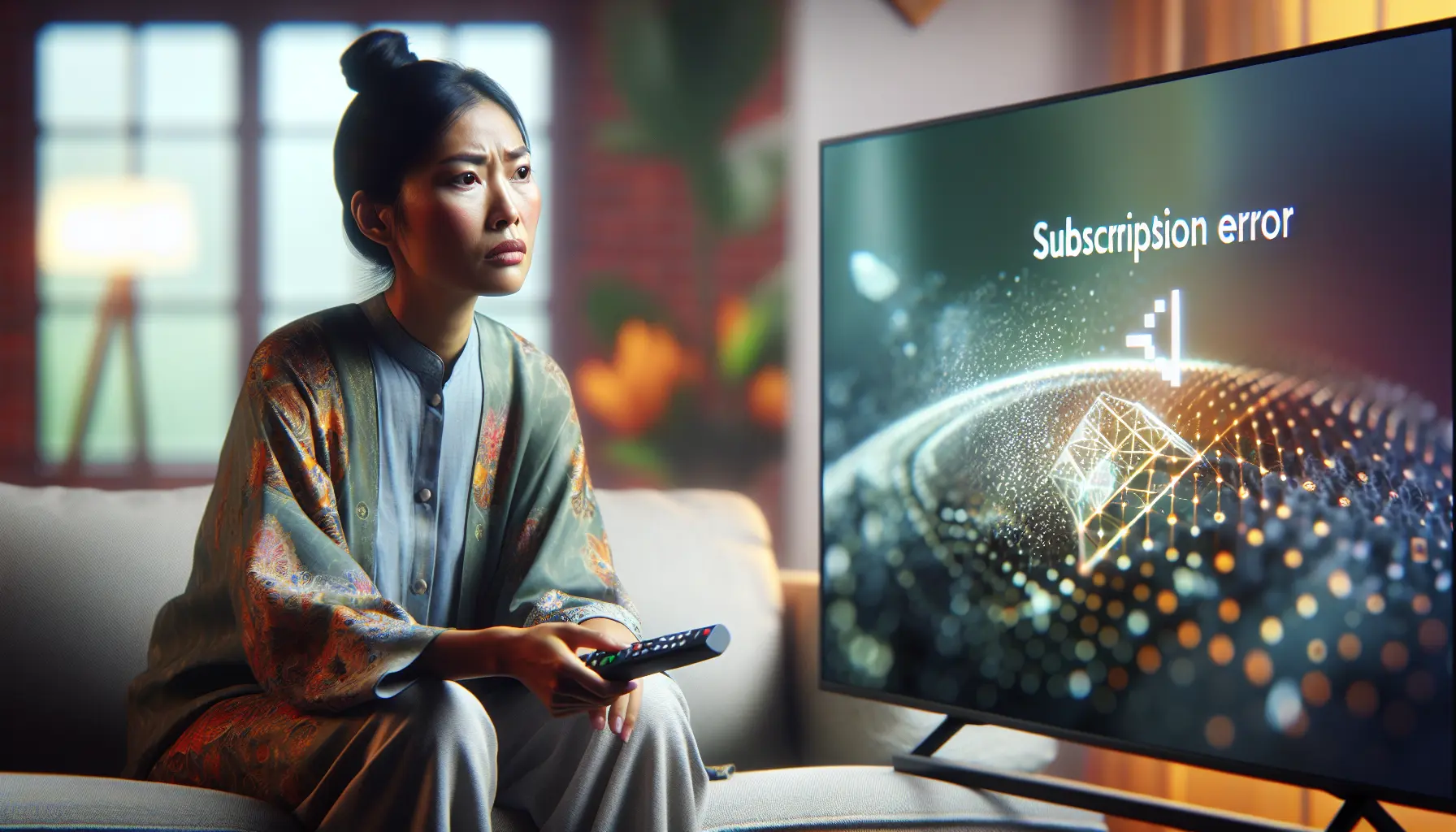
Many users encounter payment hurdles when subscribing to TVnado. Credit card declines often occur due to international transaction restrictions or security protocols from financial institutions. Additionally, some banks flag IPTV services as high-risk transactions, requiring additional verification steps. For instance, prepaid cards may not process international payments effectively, while insufficient funds or expired cards create immediate barriers to subscription completion.
Account Activation Delays
After successful payment, users sometimes face activation delays ranging from minutes to several hours. These delays typically stem from automated verification systems processing new accounts. During peak subscription periods, activation queues may extend processing times. However, if activation exceeds 24 hours, it may indicate technical issues requiring customer support intervention.
Distinguishing Temporary vs. Persistent Issues
Understanding the difference between temporary service interruptions and persistent problems is crucial for effective troubleshooting. Temporary issues include server maintenance windows (usually 1-2 hours), regional network congestion during peak viewing hours, and scheduled updates that briefly affect service availability.
Conversely, persistent problems involve consistent buffering across multiple channels, complete service unavailability for extended periods, and repeated login failures despite correct credentials. For comprehensive buffering solutions, our buffering troubleshooting guide offers detailed assistance.
Platform-Specific Subscription Challenges
Different streaming platforms present unique subscription hurdles. Apple’s ecosystem imposes strict App Store guidelines that can limit IPTV application availability, while Amazon Firestick users often need to enable developer options for manual application installation. Android platform fragmentation across manufacturers creates compatibility issues, and smart TV platforms from manufacturers like Samsung and LG frequently have limited app stores with strict content policies.
To overcome these challenges, consider purchasing subscriptions directly from IPTV providers rather than through platform app stores, learn proper sideloading techniques for devices like Firestick, and choose IPTV services that offer multiple application options. Our Firestick setup guide provides detailed platform-specific installation instructions.
Chapter 2: Quick-Fix Solutions for Immediate Access
Step-by-Step Payment Verification Process
After completing your TVnado subscription payment, check your email inbox for a payment confirmation message within 15-30 minutes. Save your payment receipt or transaction ID for reference. Most TVnado subscriptions activate within 2-4 hours after payment verification, though during peak periods this may extend to 6-8 hours. Your account dashboard will show “Active” status once processing completes. If your subscription doesn’t activate within 8 hours, verify your payment was successful through your bank and contact TVnado support with your transaction details.
Account Recovery and Reactivation Methods
For forgotten passwords, navigate to the login page and click the “Forgot Password” link. You’ll receive email instructions – check your spam folder if the message doesn’t appear. Create a strong new password combining uppercase and lowercase letters with numbers and special characters. If your subscription has expired or been suspended due to payment issues, check your subscription status through your account dashboard, update payment information if necessary, and proceed with renewal. For complex issues, contact customer support through multiple channels including live chat, email, and phone assistance.
Device Compatibility Checks for Smooth Streaming
TVnado offers broad compatibility across multiple device platforms. Most modern smart TVs work seamlessly, with Samsung Smart TVs manufactured after 2016 and LG Smart TVs from 2014 onward providing excellent compatibility. Popular streaming devices like Amazon Firestick (2nd generation onward) and Android boxes with at least 2GB RAM support smooth streaming. Mobile devices including iPhones running iOS 12 or later and Android devices with Android 8.0 (Oreo) or newer ensure reliable performance.
Before subscribing, verify your device meets minimum specifications including dual-core 1.5GHz processor, 2GB RAM for mobile devices, 500MB free storage, and stable internet connection. For detailed setup instructions, our smart TV installation guide provides comprehensive compatibility information.
Clearing Cache and Refresh Techniques
Clearing your device’s cache is essential for resolving common streaming issues. For Android devices, navigate to Settings > Apps > [Your IPTV App], select “Storage” and tap “Clear Cache.” On iOS devices, force-quit apps by double-clicking the Home button (or swiping up) and swiping up on the IPTV app. Smart TV users can clear cache through device-specific menus: Samsung Smart TVs via Settings > Support > Device Care > Manage Storage, and LG Smart TVs through Settings > General > Reset to Initial Settings while keeping installed apps.
Amazon Firestick users clear cache through Settings > Applications > Manage Installed Applications. Regular cache maintenance prevents performance degradation – clear cache monthly for optimal performance or whenever experiencing buffering, app crashes, or loading errors.
Chapter 3: Advanced Troubleshooting for Persistent Issues
Contacting TVnado Support: Best Practices
Before contacting support, gather all necessary information including subscription details, account number, purchase date, and device information. Document your issue thoroughly, recording error messages verbatim, noting when the issue started, and describing any patterns. Choose the appropriate communication channel based on your issue’s urgency: email for non-urgent matters requiring detailed explanations, live chat for immediate concerns, and phone support for complex technical problems.
When communicating with support, be clear and concise, use specific examples, and maintain a polite tone. Include your subscription credentials, internet connection speed, network setup details, and any error codes or specific symptoms encountered. After initial contact, keep records of all communication including ticket numbers and agent names.
Alternative Payment Methods That Work
When traditional payment methods encounter issues, consider cryptocurrency payments (Bitcoin, Ethereum) for enhanced privacy and faster processing. Digital wallets like PayPal, Skrill, and Neteller provide convenient alternatives with additional security layers. Prepaid cards and vouchers offer excellent flexibility while maintaining financial control. Bank transfers and direct payments eliminate intermediary processing fees, though they may require additional verification. Mobile payment systems including Apple Pay, Google Pay, and Samsung Pay offer seamless payment experiences through tokenization and biometric authentication.
Subscription Migration and Account Transfer Options
TVnado provides flexibility for transferring your account between devices. The migration process typically involves deactivating your subscription on the old device, installing the IPTV app on your new device, logging in with existing credentials, and reactivating your subscription if required. Before transferring, review your subscription terms to understand device limitations and simultaneous connection policies.
Ensure your subscription remains active during transfer and initiate the process well before expiration to avoid service interruptions. For authentication problems during migration, verify credentials are correct and contact support if issues persist. Some transfers may require manual activation – if service doesn’t activate immediately, allow up to 24 hours for processing while ensuring your internet connection meets required speed for IPTV streaming.
Service Status Monitoring and Outage Detection
Implement multiple monitoring approaches to stay informed about service status. Utilize crowd-sourced monitoring tools like Downdetector that aggregate user reports to identify widespread outages. Subscribe to official service notifications through your provider’s communication channels including email alerts, push notifications, and social media updates.
Monitor historical outage data to identify peak disruption times and plan viewing sessions accordingly. Combine multiple monitoring methods using dedicated apps that track service uptime, response times, and regional performance variations. Establish a personal monitoring system by regularly checking service performance during typical viewing hours and documenting recurring issues to identify patterns.
Chapter 4: Ensuring Long-Term Streaming Success
Proactive Subscription Management Tips
Set calendar reminders 7-10 days before your IPTV subscription expires to allow ample renewal time without service interruption. Enable automatic payment options to eliminate renewal forgetfulness while monitoring payment methods for sufficient funds and valid information. Regularly verify payment information remains current, updating immediately when receiving new cards or changing banks.
Monitor subscription status through your account dashboard and familiarize yourself with your provider’s renewal procedures. Stay informed about potential rate adjustments and maintain multiple payment options as backups. For multiple subscriptions, use dedicated tracking apps or spreadsheets to monitor all renewal dates. Periodically assess whether your current plan meets entertainment needs and consider adjustments based on viewing habits.
Multi-Device Setup Optimization
Optimize your home network infrastructure for multi-device streaming by positioning your router centrally, utilizing 5GHz bands for reduced interference, implementing Quality of Service (QoS) settings to prioritize streaming traffic, and using wired Ethernet connections for stationary devices. Calculate total bandwidth requirements based on simultaneous streams: 3-5 Mbps for standard definition, 5-8 Mbps for high definition, and 15-25 Mbps for 4K Ultra HD per stream.
Implement device-specific optimization: clear cache regularly on smart TVs, download content for offline viewing on mobile devices, and uninstall unused applications on streaming sticks. Maintain consistent settings across all devices for unified experience and schedule streaming during off-peak hours. Consider upgrading to 4K IPTV plans for enhanced multi-device capabilities.
Future-Proofing Your IPTV Experience
Ensure your internet connection handles evolving streaming demands with at least 25 Mbps download speed per device for 4K streaming and consider upgrading to 100+ Mbps for multiple simultaneous streams. Invest in modern streaming hardware supporting latest codecs and protocols, like Firestick 4K Max and NVIDIA Shield, which provide regular software updates maintaining compatibility with evolving technologies.
Select IPTV services demonstrating commitment to technological advancement through regular app updates and support for multiple devices. Implement network optimization strategies including wired Ethernet connections, strategic router placement, and mesh Wi-Fi systems for better coverage. Stay updated with emerging streaming technologies and codec advancements while ensuring compatibility across multiple devices through services supporting installation on various smart TV platforms.
Evaluate long-term value of different subscription models, considering that while monthly plans offer flexibility, IPTV lifetime plans can provide significant savings and stability. Anticipate changes in content delivery and consumption patterns by choosing services that regularly update their channel offerings and features.
Sources
- AllinOneTV – A Complete Guide to Renewing Your All-in-One TV Subscription
- AllinOneTV – All-in-One TV Setup Guide: Your Comprehensive Navigation to Unbox, Connect, and Stream
- AllinOneTV – All-in-One TV Subscription Plans: Your Ultimate Guide to IPTV Services
- AllinOneTV – How to Access the AllinOneTV Free Trial: A Comprehensive Guide
- AllinOneTV – How to Fix Buffering on IPTV: A Comprehensive Guide
- AllinOneTV – How to Install IPTV on Your Smart TV: A Comprehensive Guide
- AllinOneTV – How to Renew Your IPTV Subscription: A Step-by-Step Guide
- AllinOneTV – How to Set Up IPTV Subscription on Firestick in Under 10 Minutes
- AllinOneTV – How to Use VPN for IPTV: A Comprehensive Guide to Unlocking Global Streaming
- AllinOneTV – How Much Internet Speed Do You Need for IPTV Streaming?
- AllinOneTV – IPTV Smarters Pro Setup Guide: A Comprehensive Step-by-Step Tutorial
- AllinOneTV – The Best IPTV Apps for Android: Your Ultimate Guide to Streaming
- AllinOneTV – The Best IPTV Services for Your Android Box: Unlock Superior Streaming Today
- AllinOneTV – The Ultimate Guide to IPTV on Samsung Smart TVs
- AllinOneTV – TiviMate Premium Account Guide
- AllinOneTV – Unlock Premium IPTV Entertainment with a Risk-Free IPTV Free Trial
- AllinOneTV – Unlock the Future of Entertainment with Our 4K IPTV Plans
- AllinOneTV – Unlock Your Entertainment: How to Set Up IPTV Subscription on Firestick in Under 10 Minutes
- AllinOneTV – Unlocking Entertainment: The Ultimate Guide to IPTV for LG Smart TV
- AllinOneTV – Unlocking Premium Entertainment: The Ultimate Guide to IPTV Packages
- AllinOneTV – Unlocking the Value of IPTV Lifetime Plans: Your Ultimate Guide to Lasting Entertainment
- AllinOneTV – Your Comprehensive Guide to All-in-One TV Customer Support