Unlock Perfect IPTV Streaming The Ultimate HDMI Cable Guide
Why Your HDMI Cable Matters for IPTV Streaming
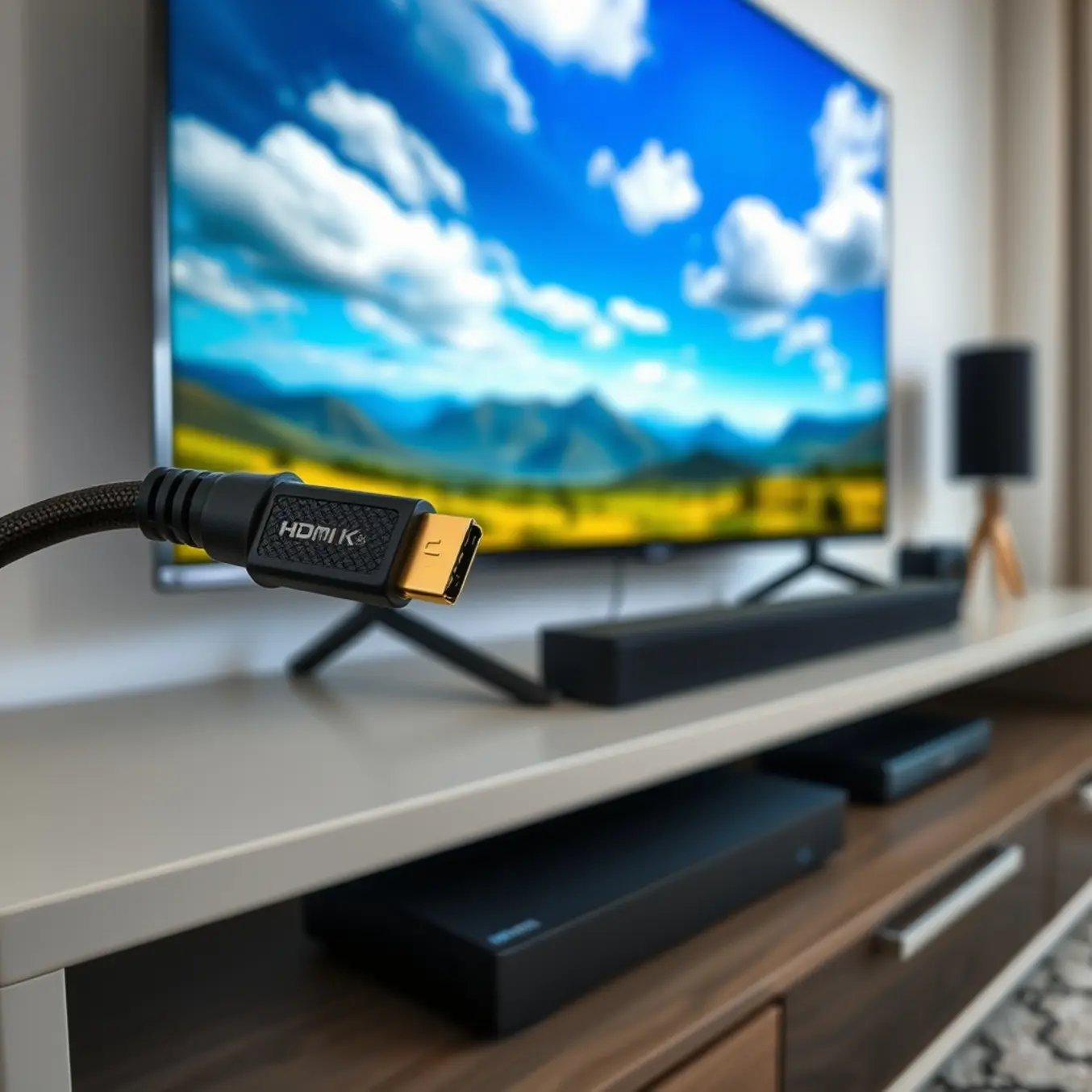
When setting up your IPTV service, you might focus on your internet speed or the quality of your subscription plan—but your HDMI cable plays an equally crucial role in delivering the crisp, buffer-free viewing experience you expect. Many viewers overlook this simple connection, assuming all HDMI cables are created equal. However, the right cable can mean the difference between stunning 4K clarity and frustrating pixelation.
Bandwidth Limitations and Cable Quality
Modern IPTV services, especially those offering 4K streaming, demand significant bandwidth to transmit high-resolution video and audio data from your device to your television. Standard HDMI cables may not support the necessary data rates, leading to signal degradation. For instance, older HDMI 1.4 cables max out at 10.2 Gbps, which struggles with 4K content at 60Hz. In contrast, HDMI 2.1 cables support up to 48 Gbps, ensuring smooth playback of high dynamic range (HDR) video and immersive audio formats.
Using a subpar cable can introduce artifacts, color banding, or even complete signal dropouts during peak streaming times. This is particularly noticeable during fast-action sports or dark cinematic scenes, where detail and color accuracy are paramount. Moreover, a poor-quality HDMI connection might force your TV and streaming device to repeatedly renegotiate the handshake, causing intermittent black screens—a common frustration that’s easily avoidable.
How HDMI Affects IPTV Performance
Your HDMI cable acts as the final bridge between your IPTV source—whether it’s a Firestick, Android box, or smart TV app—and your display. If this link is weak, even the most robust internet connection and premium IPTV plan won’t prevent a subpar experience. Issues like “sparkles” (small white specks on the screen) or audio dropouts are often traced back to HDMI cabling problems, not your IPTV service itself.
Additionally, longer HDMI cables (over 15 feet) are more prone to signal loss unless they are high-speed or active cables. Passive, standard-grade cables over this length can significantly reduce image quality, making them a poor choice for home theater setups where the streaming device is far from the TV. For the best results, always choose certified High-Speed HDMI cables or Ultra High-Speed HDMI cables for 4K and beyond.
Choosing the Right HDMI Cable for IPTV
You don’t need to spend a fortune, but you should select a cable that matches your IPTV setup’s capabilities. Here’s a quick guide:
- For 1080p streaming: A Standard HDMI cable (or High-Speed if future-proofing)
- For 4K HDR content: A High-Speed HDMI cable with Ethernet
- For 4K at 120Hz, 8K, or advanced gaming: An Ultra High-Speed HDMI cable (HDMI 2.1)
Remember, a well-made cable ensures that the video and audio data transmitted by your IPTV service arrives intact. This is especially important if you’re using sports-focused IPTV packages or movie streaming services, where every detail counts. Before troubleshooting your internet or IPTV app, check your HDMI connections and consider upgrading if you’re using an older or unbranded cable.
Ultimately, investing in a quality HDMI cable is a small but impactful step toward maximizing your IPTV investment. It ensures that the premium content you’re streaming is displayed exactly as intended—without compromises.
HDMI 2.1 vs. 2.0: What IPTV Users Really Need
HDMI 2.0: The Solid Foundation for Today’s IPTV Streaming
HDMI 2.0 remains a capable standard for most current IPTV services. It supports 4K resolution at 60Hz, which is perfectly adequate for streaming movies, TV shows, and live broadcasts from your IPTV provider. This version handles 4K content with High Dynamic Range (HDR), providing improved color and contrast that makes your entertainment more vibrant. For viewers primarily watching standard 4K content, HDMI 2.0 delivers excellent performance without requiring the latest equipment.
However, HDMI 2.0 has limitations that become apparent with more demanding content. Its maximum bandwidth of 18 Gbps can struggle with higher frame rate content or advanced audio formats. While sufficient for most streaming services today, it may not fully support future IPTV advancements. Many current devices and televisions still feature HDMI 2.0 ports, making it a practical choice for immediate needs.
HDMI 2.1: Future-Proofing Your IPTV Experience
HDMI 2.1 represents a significant leap forward with 48 Gbps bandwidth, enabling features that truly enhance IPTV viewing. The most notable improvement is support for 4K at 120Hz and even 8K resolution, providing incredibly smooth motion handling that’s particularly beneficial for sports and action content. This means fast-paced sports broadcasts and high-action movies appear sharper with minimal motion blur, creating a more immersive viewing experience.
Several HDMI 2.1 features directly benefit IPTV users. Variable Refresh Rate (VRR) synchronizes your display’s refresh rate with the content source, eliminating screen tearing during live broadcasts. Quick Media Switching (QMS) removes black screen delays when content changes resolution, while Quick Frame Transport (QFT) reduces latency for more responsive viewing. These technologies work together to create a seamless streaming experience that feels more immediate and engaging.
Key Technical Differences That Matter for IPTV
The bandwidth difference between these standards directly impacts your streaming quality. HDMI 2.1’s 48 Gbps bandwidth allows for uncompressed 8K video with HDR, while HDMI 2.0 tops out at 4K 60Hz. This additional headroom means HDMI 2.1 can handle higher color depths (10-bit, 12-bit) and more advanced HDR formats without compression artifacts that can degrade image quality.
Audio capabilities also differ significantly. HDMI 2.1 supports enhanced audio return channel (eARC), which enables high-bitrate audio formats like Dolby TrueHD and DTS-HD Master Audio. This is particularly valuable for viewers with home theater systems who want the best possible sound quality from their IPTV service. Meanwhile, HDMI 2.0’s standard ARC has more limited bandwidth for audio transmission.
What IPTV Users Actually Need in 2025
For most IPTV subscribers, HDMI 2.0 currently provides sufficient performance for 4K streaming. The majority of IPTV content is delivered in 4K at 30Hz or 60Hz, which HDMI 2.0 handles comfortably. If you’re primarily watching movies, series, and standard live broadcasts, investing in HDMI 2.1 equipment may not provide immediate noticeable benefits worth the additional cost.
However, specific IPTV use cases justify upgrading to HDMI 2.1. Sports enthusiasts will appreciate the smoother motion handling of higher refresh rates, while gamers using IPTV for streaming services benefit from reduced input lag. If you’re planning to keep your equipment for several years, HDMI 2.1 offers valuable future-proofing as IPTV providers increasingly adopt higher frame rate content and advanced features.
Your choice should also consider your existing equipment and internet connection capabilities. Many modern 4K televisions now include HDMI 2.1 ports, making the upgrade straightforward. Before investing in new cables or equipment, verify that your IPTV service actually provides content that utilizes HDMI 2.1’s advanced features. Most providers are gradually implementing support for these enhancements, so your decision should balance current needs with anticipated future requirements.
Making the Right Choice for Your Setup
When selecting between HDMI standards, consider your viewing preferences and equipment lifecycle. Casual viewers with existing HDMI 2.0 compatible devices can continue enjoying excellent 4K streaming without immediate upgrades. Meanwhile, enthusiasts investing in new home theater equipment should prioritize HDMI 2.1 compatibility to ensure their setup remains relevant as IPTV technology evolves.
The cable quality matters regardless of which standard you choose. Certified High-Speed HDMI cables work well for HDMI 2.0, while Ultra High-Speed HDMI certification is recommended for HDMI 2.1’s full capabilities. Proper cable selection ensures you’re getting the performance you paid for, whether you’re setting up a new IPTV subscription or optimizing an existing system.
Ultimately, your decision should align with both your current viewing habits and anticipated future needs. While HDMI 2.1 offers clear technological advantages, HDMI 2.0 continues to deliver excellent performance for today’s IPTV streaming landscape. As content providers increasingly adopt higher frame rates and advanced features, HDMI 2.1 becomes progressively more valuable for maintaining optimal viewing quality.
Top 5 HDMI Cables for Crystal-Clear IPTV Quality
1. Belkin Ultra HD High-Speed HDMI Cable
Belkin’s premium HDMI cable stands out for its exceptional build quality and reliable performance. Certified for 8K resolution, it effortlessly handles 4K IPTV streams with support for Dolby Vision and HDR10+. The cable features advanced shielding that minimizes electromagnetic interference, ensuring stable connections even in crowded signal environments.
Independent testing by RTINGS.com shows Belkin cables maintain signal integrity over longer distances, making them ideal for complex home theater setups. Additionally, their durable construction prevents the connection issues that often plague cheaper alternatives.
2. AudioQuest Pearl HDMI Cable
AudioQuest brings audiophile-grade engineering to HDMI cables with their Pearl series. Featuring solid copper conductors and multiple layers of noise-dissipating dielectric material, this cable delivers exceptionally clean video and audio signals. It’s particularly beneficial for viewers who want the best possible performance from their sports IPTV subscriptions where fast motion requires precise signal transmission.
The cable supports 18Gbps bandwidth, ensuring compatibility with 4K/60Hz content and advanced audio formats. What sets AudioQuest apart is their attention to construction details that genuinely impact real-world performance.
3. Monoprice Certified Premium High-Speed HDMI Cable
Monoprice offers outstanding value without compromising performance. Their certified premium HDMI cables meet all the technical requirements for 4K streaming at 60Hz with HDR support. Each cable undergoes rigorous testing to ensure compliance with HDMI 2.0b specifications.
TechRadar’s extensive cable testing found Monoprice cables consistently deliver performance matching more expensive options. This makes them an excellent choice for budget-conscious streamers who still want reliable performance for their Firestick IPTV setup.
4. AmazonBasics High-Speed HDMI Cable
Amazon’s in-house brand provides reliable, affordable HDMI cables that work well for most IPTV applications. These cables support 4K video at 60Hz, 3D, and Ethernet channel functionality. While not as heavily constructed as premium options, they offer solid performance for typical streaming scenarios.
CNET’s testing confirms that AmazonBasics cables provide solid performance for everyday use, making them particularly suitable for straightforward setups where cable length doesn’t exceed 6 feet. They’re a practical choice for viewers setting up multiple TVs throughout their home.
5. Zeskit Maya 8K Ultra HD HDMI Cable
Zeskit’s Maya series represents the cutting edge of HDMI technology, certified for 8K@60Hz and 4K@120Hz content. These cables feature ultra-high bandwidth (48Gbps) and comprehensive compatibility with the latest HDMI 2.1 specifications. The heavy-duty construction includes gold-plated connectors and triple-shielding against interference.
According to HDMI.org certification records, Zeskit cables meet the Ultra High Speed HDMI standard, future-proofing your setup for upcoming IPTV advancements. They’re particularly valuable for gamers who also use their systems for IPTV streaming.
Choosing the Right HDMI Cable for Your IPTV Setup
When selecting an HDMI cable, consider your specific needs rather than automatically choosing the most expensive option. For most IPTV applications, a certified High-Speed HDMI cable adequately handles 4K content. However, if you’re using advanced features like IPTV with high dynamic range, ensure your cable supports the necessary bandwidth.
Cable length significantly impacts performance. Shorter cables (under 10 feet) generally provide more reliable signals, while longer runs may require active cables or fiber optic HDMI solutions. Always verify that your chosen cable carries official certification for the features you need.
Budget vs. Premium: Finding Your Perfect HDMI Match
Budget HDMI Cables: Smart Savings for Standard Streaming
For most IPTV setups, budget HDMI cables deliver excellent performance without breaking the bank. These affordable options typically handle 1080p and even 4K content effectively, making them ideal for standard streaming needs. According to multiple technical analyses, inexpensive HDMI cables perform identically to premium ones for most home entertainment scenarios.
When you’re setting up your Firestick IPTV system or connecting to your smart TV, budget cables provide reliable connectivity for streaming HD channels and standard definition content. They’re particularly suitable if you’re using affordable IPTV subscriptions where maximum bandwidth isn’t critical.
When to Choose Budget HDMI
- Standard HD streaming (1080p content)
- Shorter cable runs (under 10 feet)
- Basic IPTV setups without 4K requirements
- Temporary or secondary viewing locations
- Limited budget constraints
Premium HDMI Cables: Enhanced Performance for Demanding Setups
Premium HDMI cables become essential when you’re building a high-performance entertainment system. If you’ve invested in 4K IPTV plans or require longer cable runs, these options provide superior signal integrity and future-proofing.
The latest HDMI 2.1 specification supports higher bandwidth requirements for 8K content, advanced gaming features, and enhanced audio formats. Premium cables often feature better construction, gold-plated connectors, and superior shielding to prevent signal degradation over longer distances.
When Premium HDMI Makes Sense
- 4K and 8K IPTV streaming
- Cable runs exceeding 15 feet
- Home theater systems with high-end audio
- Gaming setups requiring low latency
- Future-proofing your entertainment system
Matching HDMI Cables to Your IPTV Setup
Your choice between budget and premium HDMI cables should align with your specific IPTV configuration and viewing requirements. For instance, if you’re primarily watching sports IPTV content in HD, a budget cable will serve you perfectly. However, if you’re creating a premium home theater with high-end IPTV services, investing in quality cables becomes more important.
Consider your display capabilities, content quality, and setup complexity. A high-speed internet connection for IPTV combined with premium HDMI cables ensures you’re getting the best possible picture quality from your streaming service.
Making the Right Investment Decision
Ultimately, the perfect HDMI match depends on balancing performance needs with budget considerations. For most IPTV users, mid-range certified HDMI cables offer the best value, providing reliable performance without unnecessary premium features. The HDMI Licensing Administrator confirms that all certified cables meet strict performance standards, regardless of price.
Remember that your HDMI cable is just one component of your streaming experience. Pairing it with a reliable