The Ultimate IPTV Optimization Guide For Flawless Streaming
Understanding IPTV Technology Fundamentals
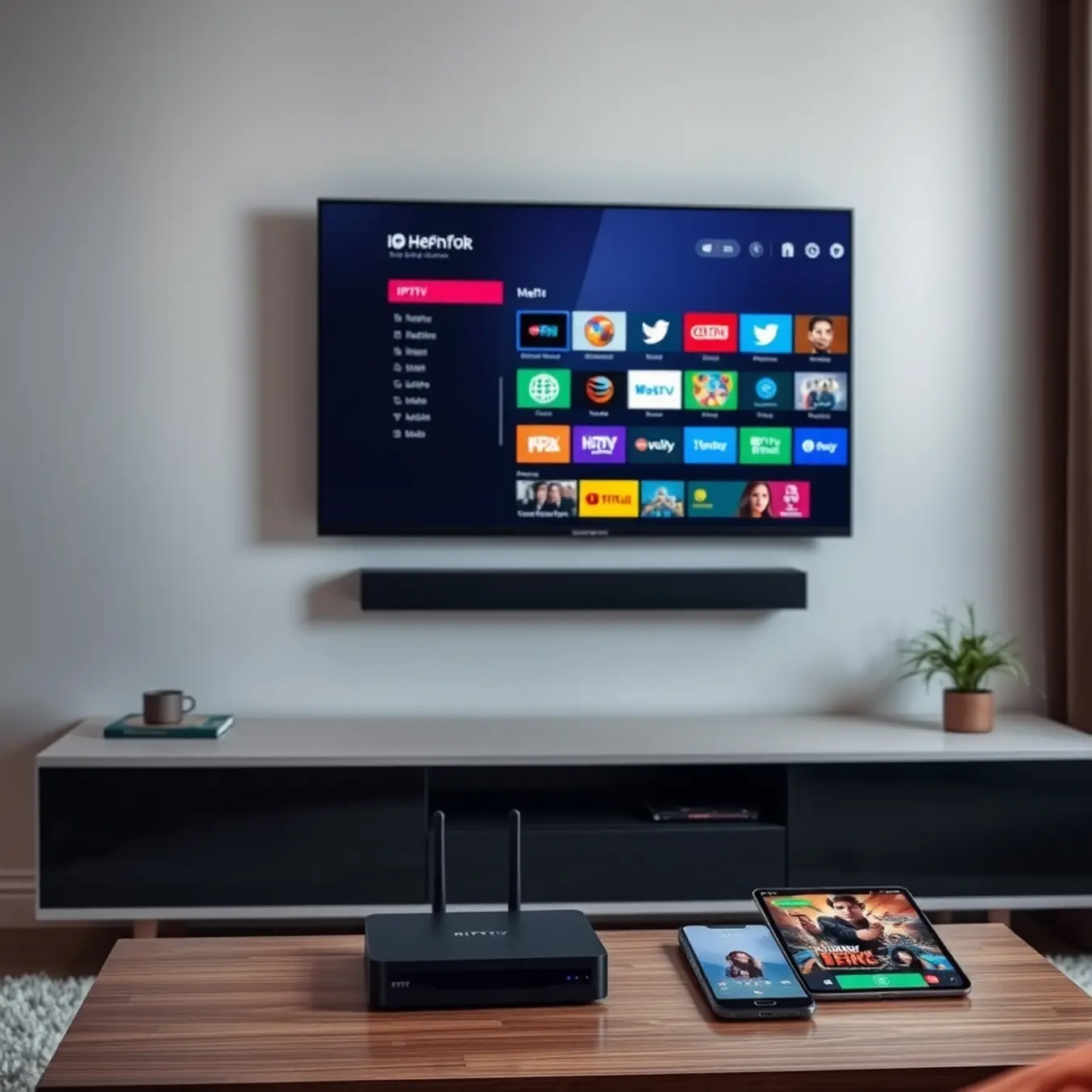
Internet Protocol Television (IPTV) delivers television content through internet protocol networks rather than traditional terrestrial, satellite, or cable formats. This technology enables streaming media in smaller, more manageable packets, allowing for more efficient data transmission and on-demand viewing capabilities. Unlike conventional broadcasting methods, IPTV uses a controlled network infrastructure to provide enhanced reliability and quality of service.
The core architecture of IPTV involves three main service types: live television, time-shifted media (catch-up TV), and video on demand (VOD). These services operate through complex server systems that manage content delivery, user authentication, and streaming protocols. The technology leverages internet protocols to create a two-way communication channel between the service provider and the viewer, enabling interactive features and personalized content recommendations.
How IPTV Transmission Works
IPTV transmission begins with content acquisition from various sources, including satellite feeds, cable networks, and original programming. This content is then encoded, encrypted, and stored on dedicated servers. When a user selects a program, the system retrieves the requested content and streams it through IP networks to the viewer’s device. This process utilizes specialized protocols like Real-Time Streaming Protocol (RTSP) and Real-Time Messaging Protocol (RTMP) to ensure smooth delivery.
The entire ecosystem relies on content delivery networks (CDNs) to distribute media efficiently across geographical locations. These networks reduce latency and buffering by serving content from servers closest to the end-user. Additionally, middleware platforms manage the user interface, electronic program guides, and interactive applications that enhance the viewing experience.
Internet Speed Requirements for IPTV
Streaming IPTV requires consistent internet speeds to prevent buffering and ensure high-quality viewing. For standard definition (SD) content, you’ll need at least 3-5 Mbps, while high definition (HD) streams require 8-10 Mbps. Meanwhile, 4K Ultra HD content demands 25 Mbps or higher for optimal performance [Source: HighSpeedInternet.com].
However, these are minimum requirements for single streams. If multiple household members stream simultaneously, you’ll need significantly higher bandwidth. For example, a family with two 4K streams and additional internet usage may require 50-100 Mbps. Additionally, consider that wireless connections often deliver lower speeds than wired connections due to signal interference and distance from the router.
Connection Type Considerations
Your internet connection type significantly impacts IPTV performance. Fiber-optic connections provide the most reliable experience with symmetrical upload and download speeds, while cable internet offers strong performance but may experience slowdowns during peak usage hours. DSL connections can work for SD and some HD content but may struggle with 4K streaming [Source: AllInOneTV].
Satellite internet often has high latency that causes buffering, making it less ideal for live IPTV. Similarly, mobile hotspots and 5G home internet can be inconsistent for continuous streaming. For the best experience, a stable broadband connection with sufficient bandwidth is essential.
Device Optimization for IPTV Streaming
Smart TVs offer the most direct streaming experience, but they require specific optimizations to deliver flawless IPTV performance. First, ensure your television’s firmware is updated to the latest version, as manufacturers frequently release patches that improve network stability and app performance. For Samsung Smart TVs, our comprehensive setup guide provides device-specific tips. Similarly, LG Smart TV users can find tailored advice in our dedicated LG optimization guide.
Network configuration is paramount. For the best results, use a wired Ethernet connection instead of Wi-Fi whenever possible, as this provides a more stable and consistent data flow. If you must use Wi-Fi, ensure your TV is within strong signal range of your router. Furthermore, close any unused background applications on your Smart TV to free up system resources (RAM and processing power) for your IPTV player, which can significantly reduce buffering.
Streaming Boxes and Sticks
Devices like the Amazon Firestick, Android TV boxes, and NVIDIA Shield are popular for their flexibility and power. The key to optimizing these devices lies in regular maintenance and proper configuration. Begin by managing storage; these devices often have limited internal space. Regularly clear the cache and data of your IPTV app, and uninstall any applications you no longer use to prevent performance degradation.
For Firestick users, our step-by-step Firestick setup guide includes optimization steps. Android box enthusiasts should explore our resource on the best IPTV services for Android boxes, which highlights performance-friendly apps. Additionally, using a high-quality IPTV player like Tivimate or IPTV Smarters Pro, which are designed for efficiency, can make a substantial difference in stream stability and channel loading times.
Advanced IPTV Configuration Settings
Buffer optimization is crucial for eliminating interruptions during IPTV streaming. The buffer acts as temporary storage that pre-loads video content, preventing playback issues when network speeds fluctuate. Most IPTV players allow you to adjust buffer size settings, with larger buffers providing more protection against buffering but requiring more memory.
For optimal performance, set your buffer size based on your internet connection stability. If you experience frequent buffering despite adequate internet speeds, increasing the buffer size can help maintain smooth playback. Conversely, if you have limited device memory, a smaller buffer might be necessary. Many users find success with buffer sizes between 10-30 seconds for balancing performance and resource usage.
Advanced players like TiviMate offer sophisticated buffer customization options, allowing granular control over caching behavior. Additionally, using a wired Ethernet connection instead of WiFi can significantly reduce buffer-related issues by providing more consistent data delivery.
Video Quality and Protocol Configuration
Modern IPTV services support various video quality options, from standard definition to 4K Ultra HD. Selecting the appropriate resolution ensures optimal viewing without overloading your network. Most providers automatically adjust quality based on available bandwidth, but manual settings provide greater control.
IPTV services utilize different network protocols for content delivery, each with distinct advantages. The most common protocols include HTTP, UDP, and HLS (HTTP Live Streaming). Understanding these options helps optimize your streaming experience. HLS protocol is widely supported and works well across various network conditions, automatically adapting quality based on available bandwidth. UDP protocols often provide lower latency, making them ideal for live sports and real-time content.
Troubleshooting Common IPTV Issues
Buffering and freezing are among the most common frustrations with IPTV streaming. These interruptions typically occur when your internet connection can’t deliver data fast enough to keep up with video playback. However, there are several practical solutions to resolve these issues and restore smooth streaming.
First, check your internet speed. For standard definition streaming, you need at least 3-5 Mbps, while HD content requires 8-10 Mbps. For 4K streaming, aim for 25 Mbps or higher. Run a speed test during peak viewing hours to ensure your connection meets these requirements. If speeds are insufficient, consider upgrading your plan or connecting via Ethernet instead of Wi-Fi for more stable performance.
Additionally, router placement matters significantly. Position your router centrally and away from obstructions. For optimal results, reduce the number of connected devices during streaming sessions. Our comprehensive guide on internet speed requirements for IPTV provides detailed recommendations for different streaming qualities.
Connection Dropout and EPG Solutions
Connection dropouts can disrupt your viewing experience unexpectedly. These interruptions often stem from network congestion, ISP throttling, or server-side issues. Fortunately, several troubleshooting steps can help maintain stable connections.
Using a VPN is one effective solution to prevent ISP throttling, which occurs when internet providers intentionally slow down streaming traffic. A reliable VPN encrypts your connection, making it difficult for ISPs to detect and throttle streaming data. Our guide on using VPNs for IPTV explains how to configure this properly.
EPG issues, including missing program information, incorrect times, or blank guides, can significantly impact your viewing experience. The Electronic Program Guide is essential for navigating channels and scheduling recordings, so resolving these problems is crucial. First, verify that your EPG source URL is correct and active. Sometimes providers update these URLs without notification. Check your provider’s documentation or support channels for the latest EPG source.
Performance Monitoring and Maintenance
Maintaining optimal IPTV performance requires regular monitoring of specific streaming metrics. Buffer ratio, which measures the percentage of time spent buffering versus playing content, should remain below 2% for satisfactory viewing. Additionally, video start time—the delay between selecting content and playback beginning—should ideally be under 2 seconds to prevent viewer frustration.
Video quality metrics like resolution consistency and bitrate stability are equally crucial. Modern IPTV services typically offer adaptive bitrate streaming, which automatically adjusts quality based on available bandwidth. However, frequent quality drops may indicate network congestion or server issues. For comprehensive buffering solutions, our buffering troubleshooting guide provides detailed resolution strategies.
Establishing Effective Maintenance Routines
Regular maintenance prevents performance degradation and ensures consistent streaming quality. Weekly routines should include clearing application cache, which accumulates temporary data that can slow down your IPTV player. Similarly, rebooting your streaming device monthly helps clear system memory and resolve minor software glitches that affect performance.
Monthly maintenance should encompass checking for application updates, as developers frequently release performance enhancements and bug fixes. Additionally, verify your internet speed matches your subscription requirements—4K streaming typically demands at least 25 Mbps, while HD content requires 10-15 Mbps. For detailed internet speed requirements, consult our internet speed guide for IPTV.
Every three months, conduct comprehensive system checks including reviewing your IPTV subscription status and ensuring payment information remains current to avoid service interruption. Test alternative DNS servers, as switching to faster DNS providers like Google DNS or Cloudflare can significantly improve connection stability and reduce buffering.
Sources
- AllInOneTV – Best IPTV Services for Firestick, Android and Smart TV in 2025
- AllInOneTV – Best IPTV Streaming Apps for Android, iOS and Smart TVs
- AllInOneTV – How Much Internet Speed Do You Need for IPTV Streaming?
- AllInOneTV – How to Fix Buffering on IPTV: A Comprehensive Guide
- AllInOneTV – How to Use VPN for IPTV: A Comprehensive Guide to Unlocking Global Streaming
- AllInOneTV – IPTV Smarters Pro Setup Guide: A Comprehensive Step-by-Step Tutorial
- AllInOneTV – Latest IPTV Trends in 2025: What’s Changing in the Streaming World
- AllInOneTV – Navigating AllInOneTV: Your Complete Guide to IPTV Streaming
- AllInOneTV – The Best IPTV Apps for Android: Your Ultimate Guide to Streaming
- AllInOneTV – The Best IPTV Services for Expats: Stay Connected to Home
- AllInOneTV – The Best IPTV Services for Your Android Box: Unlock Superior Streaming Today
- AllInOneTV – The Ultimate Guide to IPTV on Samsung Smart TVs
- AllInOneTV – Tivimate IPTV Player Setup, Subscription and Best Settings for Optimal Streaming
- AllInOneTV – Top-Rated IPTV Services of 2025: Tested for Quality and Speed
- AllInOneTV – Unlock Premium IPTV Entertainment with a Risk-Free IPTV Free Trial
- AllInOneTV – Unlock Your Entertainment: How to Set Up IPTV Subscription on Firestick in Under 10 Minutes
- AllInOneTV – Unlocking Entertainment: The Ultimate Guide to IPTV for LG Smart TV
- AllInOneTV – What is an M3U Link in IPTV?
- HighSpeedInternet.com – How Much Internet Speed Do I Need?
- PCMag – How to Set Up Your Router for the Best Wi-Fi Performance
- Tom’s Guide – Home Networking Guide