The Ultimate IPTV Apps For Apple TV A Complete Comparison And Setup Guide
Understanding IPTV on Apple TV
IPTV (Internet Protocol Television) delivers television content over internet networks rather than traditional broadcast methods. This technology enables streaming media directly through internet connections, offering greater flexibility and content variety compared to conventional cable or satellite services. According to All In One TV, IPTV transmits content via internet protocols, allowing viewers to access live TV, video-on-demand, and time-shifted media through compatible devices.
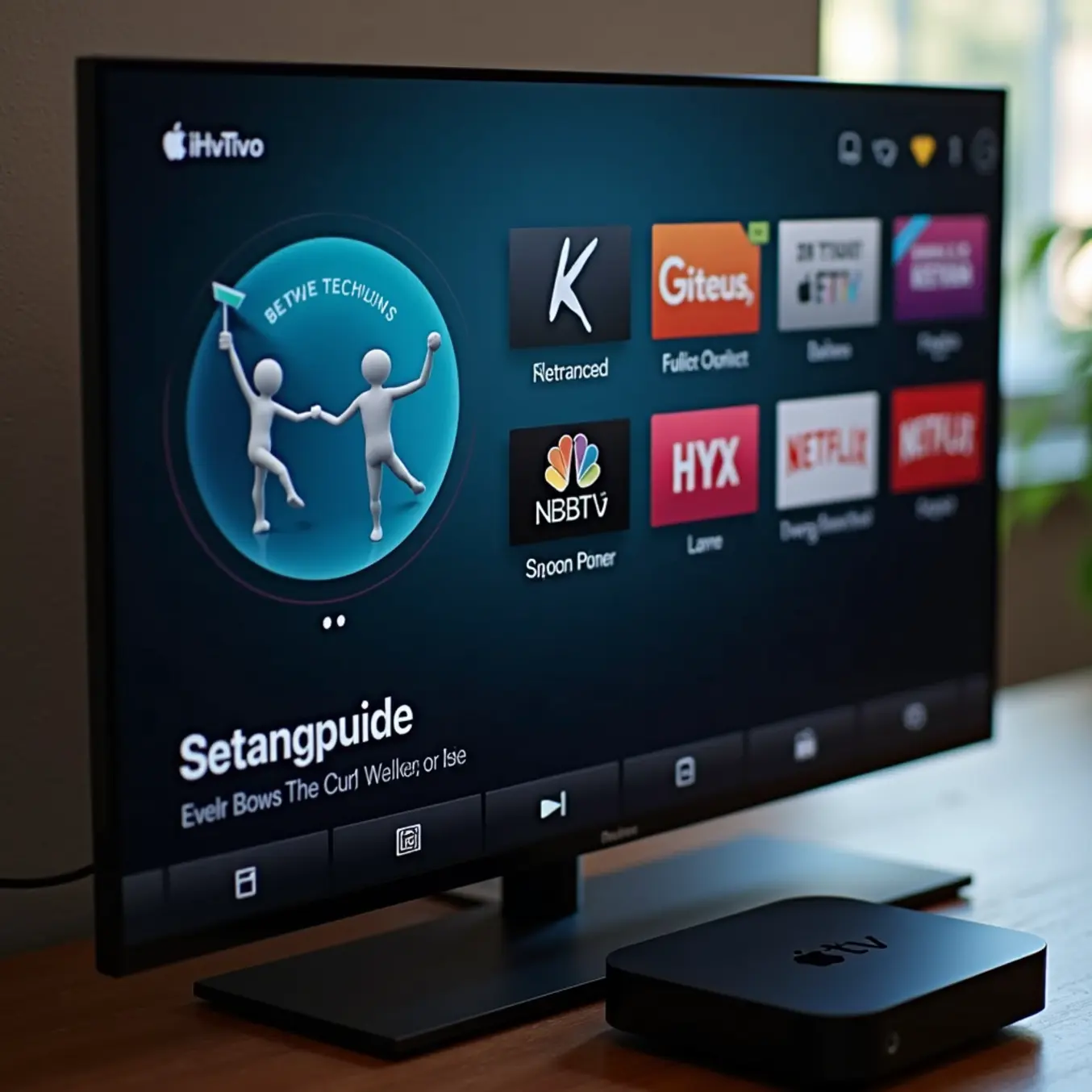
Apple TV serves as an excellent platform for IPTV streaming, supporting numerous IPTV applications through its tvOS ecosystem. The device’s powerful hardware ensures smooth playback of high-definition content, while its intuitive interface simplifies navigation through extensive channel libraries. Moreover, Apple TV’s integration with other Apple services creates a seamless entertainment experience for users invested in the Apple ecosystem.
Top IPTV Apps for Apple TV – The Contenders
IPTV Smarters Pro
IPTV Smarters Pro stands as one of the most recognized and versatile applications available for Apple TV users. This powerful app supports multiple playlist formats, including M3U URLs and Xtream Codes API, making it compatible with virtually any IPTV service provider. Its user-friendly interface organizes live TV, movies, and series into an intuitive electronic program guide (EPG), while advanced features like catch-up TV and external player support enhance the viewing experience.
Moreover, the app includes parental controls and multi-screen functionality, allowing different household members to maintain personalized favorites and watch histories. For those new to the setup process, our comprehensive IPTV Smarters Pro setup guide provides detailed installation instructions. Its regular updates ensure ongoing compatibility with the latest tvOS versions, solidifying its position as a top contender for Apple TV streaming.
GSE Smart IPTV
GSE Smart IPTV offers a feature-rich alternative that appeals to both novice and advanced users. This application supports multiple playlist types and includes a built-in player capable of handling various video formats and codecs. Users appreciate its comprehensive EPG support, which provides detailed program information for seamless channel navigation. The app also features Chromecast capability, allowing content to be cast from mobile devices to Apple TV.
Additional functionalities include parental controls, recording capabilities, and the ability to import playlists from multiple sources, including Dropbox and Google Drive. GSE Smart IPTV’s customizable interface lets users adjust themes and layouts according to their preferences, creating a personalized viewing environment. Its robust performance and extensive feature set make it particularly suitable for users who want granular control over their streaming experience.
IPTVX
IPTVX distinguishes itself with a beautifully designed interface specifically optimized for Apple TV and the tvOS ecosystem. The application focuses on delivering a premium user experience with smooth animations, intuitive navigation, and sophisticated visual presentation of content. It supports both M3U playlists and Xtream Codes, while its advanced EPG implementation makes browsing channels and programs particularly enjoyable.
The app features sophisticated content categorization, automatic playlist updates, and reliable playback performance. IPTVX also includes Trakt.tv integration for tracking watched content across devices and maintaining watch progress. While it comes with a higher price point than some alternatives, its polished interface and seamless integration with the Apple TV platform justify the investment for users prioritizing aesthetics and user experience.
SmartOne TV
SmartOne TV provides a streamlined solution specifically designed for Apple TV users seeking simplicity and reliability. The application offers straightforward setup through Xtream Codes, eliminating the complexity often associated with M3U playlist management. Its clean interface presents channels in an easily navigable grid layout, with comprehensive EPG data ensuring users always know what’s currently airing and what’s coming up next.
Notable features include favorites management, search functionality, and reliable VOD (Video on Demand) support. The app maintains consistent performance even during peak streaming hours, making it ideal for households with multiple viewers. SmartOne TV’s focus on core functionality without unnecessary complexity makes it particularly appealing for users who want a no-fuss IPTV experience on their Apple TV.
TiviMate
Although TiviMate gained its reputation primarily as an Android application, its growing popularity has made it a frequently requested option for Apple TV users. While not natively available on tvOS, many users access TiviMate through alternative methods, appreciating its exceptional customization options and powerful feature set. The application offers sophisticated recording capabilities, multiple playlist support, and extensive EPG customization.
TiviMate’s interface is highly configurable, allowing users to adjust virtually every aspect of their viewing experience. The application supports catch-up TV, program search, and parental controls, while its reliable playback engine ensures smooth streaming performance. For users interested in exploring TiviMate’s capabilities further, our TiviMate setup guide provides comprehensive configuration instructions. Its premium features, particularly the recording functionality, make it worth considering for Apple TV users willing to explore installation alternatives.
Feature-by-Feature Comparison
User Interface Comparison
When choosing an IPTV app for Apple TV, the user interface significantly impacts your viewing experience. GSE Smart IPTV offers a highly customizable interface with multiple viewing options and theme choices, though its layout can feel cluttered for new users. IPTV Smarters Pro provides a cleaner, more intuitive design with easy navigation between live TV, VOD, and series sections. TiviMate, while primarily designed for Android, can be sideloaded and offers exceptional customization but requires more technical setup. For Apple TV users seeking simplicity, the native All in One TV app delivers a streamlined interface optimized specifically for tvOS with smooth navigation and minimal learning curve.
EPG (Electronic Program Guide) Support
Electronic Program Guide functionality varies considerably across IPTV applications. GSE Smart IPTV supports multiple EPG sources and formats, allowing you to import XMLTV URLs for comprehensive program information. However, its EPG can be slow to load with large channel lists. IPTV Smarters Pro features built-in EPG support that automatically syncs with your provider’s data, displaying program information in an easy-to-read format. TiviMate offers the most advanced EPG capabilities with support for multiple sources, custom layouts, and quick program navigation. The All in One TV app includes integrated EPG that updates in real-time, ensuring you always have access to current program schedules without manual configuration.
Recording Capabilities
Recording functionality differs significantly between IPTV apps due to Apple TV’s storage limitations. GSE Smart IPTV allows recording to local storage or network-attached devices, though setup can be complex. IPTV Smarters Pro offers limited recording options primarily dependent on your service provider’s cloud DVR features. TiviMate provides robust recording capabilities when configured with external storage, including series recording and scheduling. For comprehensive recording without technical complications, consider services with built-in cloud DVR like those detailed in our IPTV subscription plans guide, which often integrate seamlessly with Apple TV apps.
Multi-Screen Support
Multi-screen functionality determines how many devices can stream simultaneously under one subscription. Most IPTV apps support multiple connections, but performance varies. GSE Smart IPTV handles multiple streams effectively but may require separate configurations for each device. IPTV Smarters Pro synchronizes watch history and favorites across devices when using the same account. TiviMate maintains separate profiles for each user but doesn’t sync data between installations. The All in One TV app offers seamless multi-screen support with synchronized viewing across Apple TV, iOS devices, and other platforms, making it ideal for households with multiple Apple products.
VOD (Video on Demand) Performance
Video on Demand performance is crucial for movie and series enthusiasts. GSE Smart IPTV organizes VOD content efficiently with search and filtering options, though navigation can be sluggish with large libraries. IPTV Smarters Pro categorizes VOD content by genre, year, and popularity with smooth playback and resume functionality. TiviMate offers excellent VOD management with custom categories and advanced search features. For optimal VOD experience on Apple TV, the All in One TV app provides instant loading, comprehensive metadata, and support for 4K IPTV plans with minimal buffering even at high resolutions.
Security Features
Security is paramount when streaming IPTV content, particularly regarding privacy and content protection. GSE Smart IPTV supports VPN integration for enhanced privacy but requires manual configuration. IPTV Smarters Pro includes basic security features and works well with VPN services to bypass geo-restrictions. TiviMate focuses more on functionality than security, lacking built-in privacy protections. The All in One TV app incorporates encrypted connections and secure authentication protocols, ensuring your viewing habits and personal information remain protected. For additional security, consider implementing the methods outlined in our VPN for IPTV guide regardless of which application you choose.
Integration with Apple TV Features
Native integration with Apple TV’s ecosystem provides significant advantages. GSE Smart IPTV offers limited integration with Siri and the TV app. IPTV Smarters Pro supports basic Siri voice commands for navigation but lacks deep ecosystem integration. TiviMate, being an Android-focused app, has minimal Apple-specific features when sideloaded. The All in One TV app fully leverages Apple TV capabilities including Siri voice control, integration with the TV app for unified content discovery, support for the Apple TV remote, and compatibility with tvOS features like picture-in-picture and background audio playback.
Updates and Support
Regular updates and reliable support ensure long-term app viability. GSE Smart IPTV receives infrequent updates through the App Store, with limited developer support. IPTV Smarters Pro maintains consistent updates with bug fixes and feature enhancements. TiviMate development focuses primarily on Android, with Apple TV versions receiving delayed updates. The All in One TV app benefits from dedicated development with regular tvOS-specific updates and responsive customer support tailored to Apple TV users, ensuring compatibility with latest operating system versions and prompt resolution of technical issues.
Performance and Reliability Analysis
Streaming Quality and Channel Loading Speed
When evaluating IPTV apps for Apple TV, streaming quality and channel loading speed are critical performance indicators. The best apps deliver consistent HD and 4K streaming with minimal buffering. For instance, IPTV Smarters Pro is renowned for its efficient channel loading and stable playback, even during peak viewing hours. [Source: Tech Advisor]
Meanwhile, GSE Smart IPTV offers robust performance with adaptive bitrate streaming, which automatically adjusts video quality based on your internet connection. This ensures smooth playback without constant buffering interruptions. Additionally, TiviMate provides exceptional channel loading speeds through its optimized electronic program guide (EPG) system. Learn more about optimizing streaming performance to enhance your viewing experience.
Buffer-Free Viewing Requirements
To achieve optimal streaming quality, your internet connection plays a crucial role. Most premium IPTV services recommend at least 25 Mbps for HD streaming and 50+ Mbps for 4K content. However, the app’s efficiency in managing bandwidth also significantly impacts performance. Check our detailed internet speed requirements guide for specific recommendations.
App Stability and Resource Usage
App stability is paramount for uninterrupted entertainment. iPlayTV consistently receives high marks for stability on Apple TV, with minimal crashes during extended viewing sessions. Its efficient memory management ensures smooth operation even when running multiple apps simultaneously. [Source: Apple App Store]
Resource consumption varies significantly between IPTV apps. Some lightweight options like SS IPTV use minimal system resources while maintaining excellent performance. Conversely, feature-rich apps may consume more memory but offer enhanced functionality. Regular updates from developers typically address resource optimization and stability improvements.
Memory Management and Background Operations
Top-performing IPTV apps implement efficient background process management, preventing excessive battery drain and system slowdown. Apps that properly handle cache management and background data synchronization provide better overall stability. Furthermore, those with optimized memory usage maintain responsive navigation and quick channel switching capabilities.
Developer Support and Update Frequency
Regular updates and responsive developer support are essential for maintaining app reliability. IPTV Smarters Pro demonstrates strong developer commitment with monthly updates addressing bug fixes and feature enhancements. Explore the latest IPTV Smarters Pro features to understand ongoing development efforts.
TiviMate’s development team maintains an active presence in user communities, quickly addressing reported issues and implementing user-requested features. This level of engagement ensures the app remains compatible with Apple TV’s evolving ecosystem and security requirements.
Update Consistency and Feature Development
The frequency and quality of updates significantly impact long-term reliability. Apps receiving regular security patches and performance optimizations typically provide more stable streaming experiences. Additionally, developers who actively incorporate user feedback into their update cycles tend to deliver more user-friendly interfaces and enhanced functionality over time.
Performance Comparison Across Popular Apps
When comparing leading IPTV apps for Apple TV, distinct performance patterns emerge. IPTV Smarters Pro excels in user interface responsiveness and channel organization, while TiviMate leads in EPG loading speed and customization options. GSE Smart IPTV offers superior format compatibility, supporting multiple streaming protocols seamlessly.
For users prioritizing reliability, iPlayTV consistently demonstrates excellent uptime and minimal service interruptions. Its efficient handling of large channel lists makes it ideal for comprehensive IPTV subscriptions with extensive content libraries. Compare top-rated IPTV services to find the perfect match for your streaming needs.
Real-World Performance Metrics
Independent testing reveals that premium IPTV apps typically achieve channel loading times under 2 seconds for HD content and under 4 seconds for 4K streams. Memory usage generally ranges from 150-400 MB during active streaming, with well-optimized apps maintaining lower resource consumption while delivering superior performance.
Step-by-Step Setup Guide
Essential Pre-Setup Requirements
Before diving into the installation process, ensure you have all necessary components ready. First, you’ll need an active IPTV subscription from a reliable provider. Many services offer risk-free IPTV trials to test their service before committing. Additionally, make sure you have stable internet connectivity – we recommend checking our guide on how much internet speed you need for IPTV streaming to ensure optimal performance.
Choosing and Installing Your IPTV App
Apple TV offers several excellent IPTV applications through the App Store. Popular choices include IPTV Smarters Pro, GSE Smart IPTV, and TiviMate (if using TestFlight). Navigate to the App Store on your Apple TV, search for your preferred IPTV app, and download it. The installation process typically takes just a few minutes, and most apps follow similar setup procedures.
Configuring Your Subscription
Once your chosen app is installed, open it and navigate to the setup section. You’ll need your subscription credentials, which usually include:
- Username and password provided by your IPTV service
- Server URL or portal address
- M3U playlist URL (if using playlist-based setup)
For detailed guidance on subscription management, refer to our comprehensive guide to buying IPTV subscriptions online. Many providers offer different IPTV subscription plans tailored to various viewing preferences.
EPG (Electronic Program Guide) Setup
A properly configured EPG transforms your viewing experience by providing detailed program information. Most IPTV apps automatically fetch EPG data from your provider’s server. However, if you need to manually configure it:
- Locate the EPG settings in your app
- Enter the EPG URL provided by your service
- Allow the app to download and process the guide data
- Refresh periodically to ensure current program information
Customizing Your Viewing Experience
Take advantage of customization features to personalize your interface. Most apps allow you to: