IPTV Remote Controls And Custom Key Mapping A Complete Guide
Understanding IPTV Remote Controls
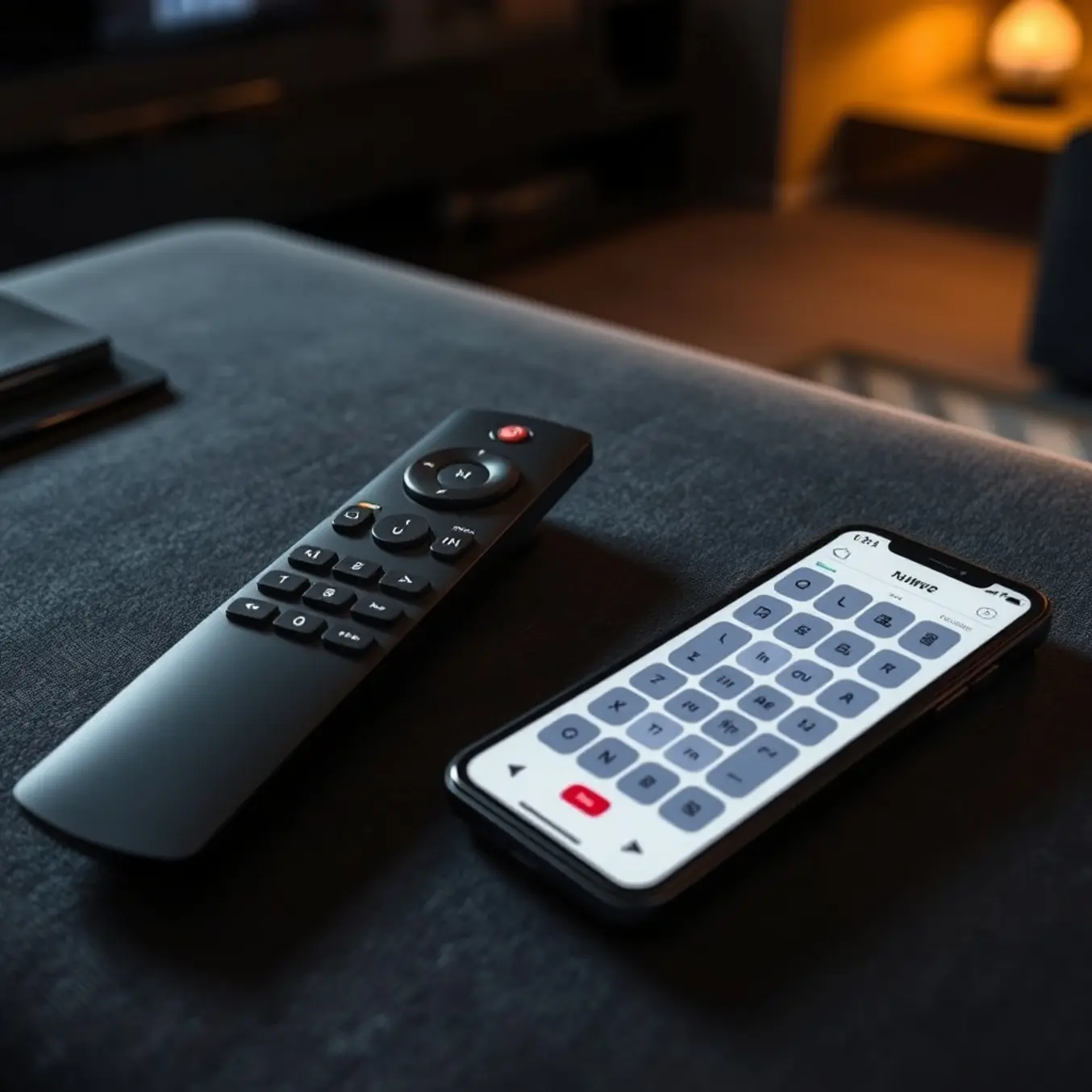
IPTV remote controls are the primary interface between you and your streaming entertainment, serving as the command center for navigating channels, adjusting settings, and accessing on-demand content. Unlike traditional cable remotes, IPTV controllers often need to manage both the streaming application and the device itself, creating a unique user experience. Understanding the different types available is the first step toward mastering your setup and customizing it for optimal use.
Standard Device Remotes
The most common type is the standard remote that comes with your streaming device, such as a Fire TV Stick, Android TV box, or Smart TV. These remotes are designed for general navigation and include basic buttons like power, volume, channel up/down, and directional pads. However, they often lack dedicated buttons for specific IPTV functions, which can limit their efficiency for power users. For instance, while they work adequately for launching apps, they may not provide quick access to electronic program guides (EPGs) or favorite channel lists without multiple button presses.
Universal and Learning Remotes
Universal remotes offer greater flexibility by controlling multiple devices with a single controller, reducing clutter and simplifying your entertainment system. Meanwhile, learning remotes can be programmed to mimic the functions of your original remotes, making them ideal for complex setups that combine IPTV with other components like sound systems. Many modern universal remotes even feature LCD screens or customizable buttons that can be assigned to frequently used IPTV functions, providing a more tailored experience than standard remotes.
Smartphone and App-Based Controllers
Many IPTV services and devices now offer companion mobile apps that turn your smartphone into a fully functional remote control. These app-based controllers often provide enhanced features not available on physical remotes, such as keyboard input for easier search, touch-based navigation, and direct access to settings. Applications like IPTV Smarters Pro include integrated remote functionalities that work seamlessly with their streaming services. Additionally, most streaming devices have official remote apps available for download, creating a versatile control solution.
Specialized IPTV Remotes
Dedicated IPTV remotes are specifically designed for streaming television services and typically include specialized buttons for IPTV-specific functions. These may feature direct access to video-on-demand libraries, recording controls for catch-up TV, colored shortcut buttons for quick menu navigation, and dedicated EPG buttons. Some advanced models even incorporate air mouse functionality or mini-keyboards for easier text input when searching for content or entering login credentials.
Basic Functionality and Navigation
Regardless of the type, most IPTV remotes share common fundamental functions. The directional pad (D-pad) allows navigation through menus and channel lists, while the OK/Select button confirms choices. Menu and Back buttons provide navigation between different screens and functions. Volume and channel controls adjust audio levels and cycle through channels, though in IPTV these often control the application rather than the television directly. Understanding these core functions is essential before progressing to more advanced customization of your remote setup.
Many modern remotes also include shortcut buttons for popular streaming services, voice search capabilities for hands-free operation, and in some cases, motion controls for gaming applications. The evolution of remote control technology continues to enhance the IPTV viewing experience, making content discovery and navigation more intuitive than ever before.
Integration with IPTV Applications
The effectiveness of any remote control largely depends on its integration with your chosen IPTV application. Well-designed apps like TiviMate or Perfect Player are optimized for remote control navigation, with logical menu structures and responsive button mapping. Some applications even allow customization of remote control functions, enabling users to reassign buttons to their most frequently used features. This level of integration ensures that regardless of which remote you use, the navigation experience remains smooth and efficient.
As IPTV technology continues to evolve, so do the controllers that operate it. Understanding the different types of remotes available and their basic functionality provides the foundation needed to fully leverage the capabilities of your IPTV service and create a personalized viewing experience that matches your preferences and viewing habits.
The Need for Custom Key Mapping
Standard remote configurations often fail to deliver the seamless experience IPTV users expect. These generic setups typically offer limited functionality that doesn’t align with how modern viewers consume content. For instance, many default remotes lack dedicated buttons for essential IPTV features like electronic program guides, favorite channel lists, or quick access to video-on-demand libraries.
Moreover, the layout of standard remote controls rarely considers the unique navigation patterns of streaming services. This disconnect forces users to navigate through multiple menus for basic functions, creating frustration rather than entertainment. Research shows that user experience significantly impacts IPTV adoption and retention rates, making customization crucial for service providers.
The Limitations of One-Size-Fits-All Approaches
Generic remote configurations assume all users have identical viewing habits and technical preferences. However, IPTV services cater to diverse audiences with varying needs. Sports enthusiasts might prioritize quick access to live scores and instant replay functions, while movie buffs need efficient navigation through extensive film libraries.
Additionally, standard configurations often overlook accessibility requirements. Users with mobility challenges or visual impairments benefit tremendously from customized button layouts and functions. The Web Content Accessibility Guidelines emphasize the importance of adaptable interfaces, principles that extend to physical remote controls as well.
Key Benefits of Custom Key Mapping
Custom key mapping transforms your IPTV experience by putting control exactly where you need it. Instead of navigating through multiple screens to reach frequently used features, you can assign these functions to specific buttons for instant access. This personalization significantly reduces the time spent searching for content and increases overall viewing satisfaction.
One of the most valuable advantages is the ability to create shortcuts for your most-watched channels and applications. Whether you’re switching between sports channels or accessing your preferred streaming apps, custom mapping ensures your entertainment is always just one button press away.
Enhanced Navigation Efficiency
Custom key mapping eliminates the frustration of scrolling through endless channel lists or menu hierarchies. By assigning logical functions to strategically placed buttons, you create an intuitive control system that feels natural from the first use. This is particularly beneficial when using feature-rich applications like TiviMate IPTV player, where customized controls can dramatically improve the user experience.
Efficiency extends beyond channel surfing to include smart home integration, voice control activation, and quick settings adjustments. When every button serves a purpose aligned with your viewing habits, the remote becomes an extension of your entertainment preferences rather than a generic tool.
Practical Applications for Different User Types
Families benefit from custom key mapping by creating profiles for different household members. Children can have simplified controls with parental restrictions, while adults enjoy full access to all features. This approach ensures everyone gets an optimized experience without compromising security or convenience.
For technical users, advanced mapping options enable integration with home automation systems and other smart devices. Meanwhile, casual viewers appreciate the simplicity of having their favorite channels and functions readily accessible. The flexibility of custom mapping accommodates everyone from first-time streamers to IPTV Smarters Pro power users.
Streamlining Complex Functions
Advanced IPTV features like recording, time-shifting, and multi-screen viewing become significantly more manageable with properly mapped controls. Instead of memorizing complex button combinations, users can assign these functions to dedicated keys that make sense within their viewing workflow.
This customization is especially valuable when using IPTV services with extensive feature sets, such as those offering 4K streaming plans or international channel packages. Well-designed key mapping turns potentially overwhelming options into easily accessible entertainment choices.
Implementation Considerations
Successful custom key mapping requires understanding both the technical capabilities of your device and your personal viewing patterns. Most modern IPTV boxes and applications support some level of customization, though the specific methods vary between platforms like Amazon Firestick, Android TV, and smart TV platforms.
Before remapping your remote, take time to analyze which functions you use most frequently and which require too many steps to access. This assessment ensures your customization efforts target the areas that will deliver the greatest improvement to your viewing experience.
Remember that effective key mapping evolves with your viewing habits. Periodically reassess your configuration to ensure it continues to meet your needs as you discover new content and features within your IPTV subscription plan.
Popular IPTV Remote Control Types
Standard TV Remotes
Many IPTV services work with standard television remotes, particularly when using Smart TV apps or set-top boxes. These familiar controllers typically feature basic navigation buttons, volume controls, and number pads. However, their functionality with IPTV services can be limited compared to specialized remotes. For instance, they may lack dedicated buttons for accessing electronic program guides (EPG) or quickly switching between favorite channels.
Most modern Smart TVs from manufacturers like Samsung and LG support IPTV applications directly through their app stores. This means you can often use your existing TV remote to control IPTV services without additional hardware. Our comprehensive guides on IPTV on Samsung Smart TVs and IPTV for LG Smart TV provide detailed setup instructions using standard remotes.
Dedicated IPTV Remotes
Specialized IPTV remotes are designed specifically for internet television services and offer enhanced functionality. These controllers typically include dedicated buttons for IPTV-specific features like instant channel switching, recording functions, and quick access to video-on-demand libraries. Many feature backlit keys for low-light viewing and ergonomic designs for comfortable use.
According to industry analysis, dedicated IPTV remotes often incorporate advanced features such as voice control, touchpads, and customizable shortcut buttons [Source: ResearchGate]. These remotes are commonly bundled with IPTV set-top boxes from providers and are optimized for specific service interfaces. The increased functionality makes them particularly valuable for users who want to maximize their IPTV experience beyond basic channel surfing.
Universal Remotes
Universal remotes offer significant flexibility for IPTV setups, allowing control of multiple devices with a single controller. Modern universal remotes can be programmed to work with IPTV boxes, televisions, sound systems, and other entertainment components. Many feature learning capabilities that enable them to mimic the functions of original equipment remotes.
High-end universal remotes from brands like Logitech Harmony can store complex command sequences, making it possible to create one-touch activities like “watch IPTV” that automatically power on all necessary equipment and switch to the correct inputs [Source: Logitech]. This integration simplifies the viewing experience, especially in complex home theater setups where IPTV is just one component of a larger entertainment system.
Mobile App Remotes
Smartphone applications have emerged as powerful alternatives to physical remotes for IPTV control. These apps transform mobile devices into sophisticated controllers with touchscreen interfaces, voice command capabilities, and advanced features beyond what traditional remotes offer. Most major IPTV providers and third-party developers offer companion apps for iOS and Android devices.
Mobile remote apps typically provide enhanced navigation through virtual keyboards for easier text input, swipe gestures for channel browsing, and personalized favorite channel organization. Research indicates that mobile remote usage has increased by approximately 40% over the past two years as users seek more intuitive control methods [Source: Business Wire]. Many users appreciate the convenience of not needing to locate a physical remote while their phone is always within reach.
Voice-Enabled Remotes
Voice-controlled remotes represent the cutting edge of IPTV navigation technology. These advanced controllers allow users to search for content, change channels, adjust volume, and access features using simple voice commands. Popular platforms like Amazon Fire TV, Android TV, and Apple TV have integrated voice recognition directly into their remote designs.
Voice-enabled remotes significantly enhance accessibility and convenience, particularly for users with mobility challenges or those navigating complex content libraries. Industry analysis shows that voice remote usage can reduce navigation time by up to 60% compared to traditional button-based controls [Source: Nielsen]. As artificial intelligence continues to improve, these remotes are becoming increasingly accurate at understanding natural language commands and contextual requests.
Gaming Controller Compatibility
Many modern IPTV setups support gaming controllers as alternative input devices, particularly on platforms like Android TV boxes and certain Smart TVs. Gaming controllers offer precise navigation through analog sticks and responsive button layouts that some users prefer over traditional remotes. This compatibility is especially valuable for entertainment systems that double as gaming platforms.
Popular gaming controllers from Xbox, PlayStation, and Nintendo often feature plug-and-play functionality with IPTV applications through Bluetooth or USB connections. The ergonomic designs of gaming controllers, developed through years of refinement for extended use, can provide superior comfort during long viewing sessions. Additionally, some IPTV apps offer specialized interfaces optimized for gamepad navigation, featuring radial menus and shortcut combinations.
Compatibility Considerations
When selecting an IPTV remote, compatibility with your specific setup is crucial. Different IPTV services and devices may have varying requirements for remote control functionality. Key compatibility factors include the connection method (infrared, Bluetooth, or Wi-Fi), operating system support, and specific application integration.
Before purchasing a dedicated remote, verify that it supports your IPTV service provider and streaming device. Many providers offer compatibility lists on their websites, and third-party remote manufacturers typically provide detailed specifications. Our guide to best IPTV services for various devices includes information about remote compatibility across different platforms. Testing remote functionality during free trial periods can help ensure a particular controller meets your needs before committing to a purchase.
Step-by-Step Custom Key Mapping Guide
Custom key mapping transforms your IPTV experience by allowing you to remap buttons to match your viewing habits. This personalization eliminates frustrating navigation and creates an intuitive interface tailored specifically to your preferences. Many users don’t realize that most modern IPTV services and applications support extensive button remapping capabilities, turning generic remote controls into powerful entertainment tools.
According to streaming experts, proper remote customization can reduce channel surfing time by up to 40% and significantly enhance overall viewing satisfaction. The process involves accessing your device’s settings or using dedicated IPTV applications that offer key mapping features. This functionality is particularly valuable for households with multiple users who have different viewing priorities and navigation preferences.
Essential Tools for Remote Customization
Before beginning the remapping process, ensure you have the necessary tools ready. You’ll need your IPTV remote control, the device running your IPTV service (such as a Firestick, Android box, or smart TV), and access to your IPTV application’s settings menu. Many popular IPTV apps like TiviMate and IPTV Smarters Pro include built-in key mapping options.
Additionally, some advanced users benefit from third-party remote customization apps available through app stores. These applications often provide more granular control over button assignments than standard IPTV apps. However, for most users, the native customization features within their preferred IPTV application will suffice for creating an optimal remote configuration.
Accessing Key Mapping Settings
Begin by launching your IPTV application and navigating to the settings menu. Look for sections labeled “Remote Control,” “Key Mapping,” “Button Configuration,” or similar terminology. The exact location varies between applications, but it’s typically found under “Player Settings,” “General Settings,” or “Advanced Options.” If you’re using multiple devices, remember that key mapping settings are usually device-specific rather than account-wide.
For Firestick users, the process may involve additional steps through the device’s system settings alongside the IPTV application settings. Meanwhile, Android box and smart TV users typically find